Color change
Satin, gloss, matte or something that moves with the light. Start with a color; we’ll work through the finish together.
AI wrap visualizer for wrap & sign shops
Add this AI wrap tool to your own website, with your shop’s branding. Customers picture their next wrap. You get their contact details, vehicle photo and a brief to start the quote conversation.
Explore the editor free. No card needed. Shop plan: $49/month USD.
Contact details, vehicle photo & design brief
Built to fit the website
you already have.
Your website does the introduction
Browse this sample wrap shop, open the widget and choose a finish. Then see the project land in the shop’s lead inbox.
From a color change on your daily driver to graphics for your work trucks. Design, print and installation, all under one roof.
Serving Dallas, Fort Worth and the surrounding area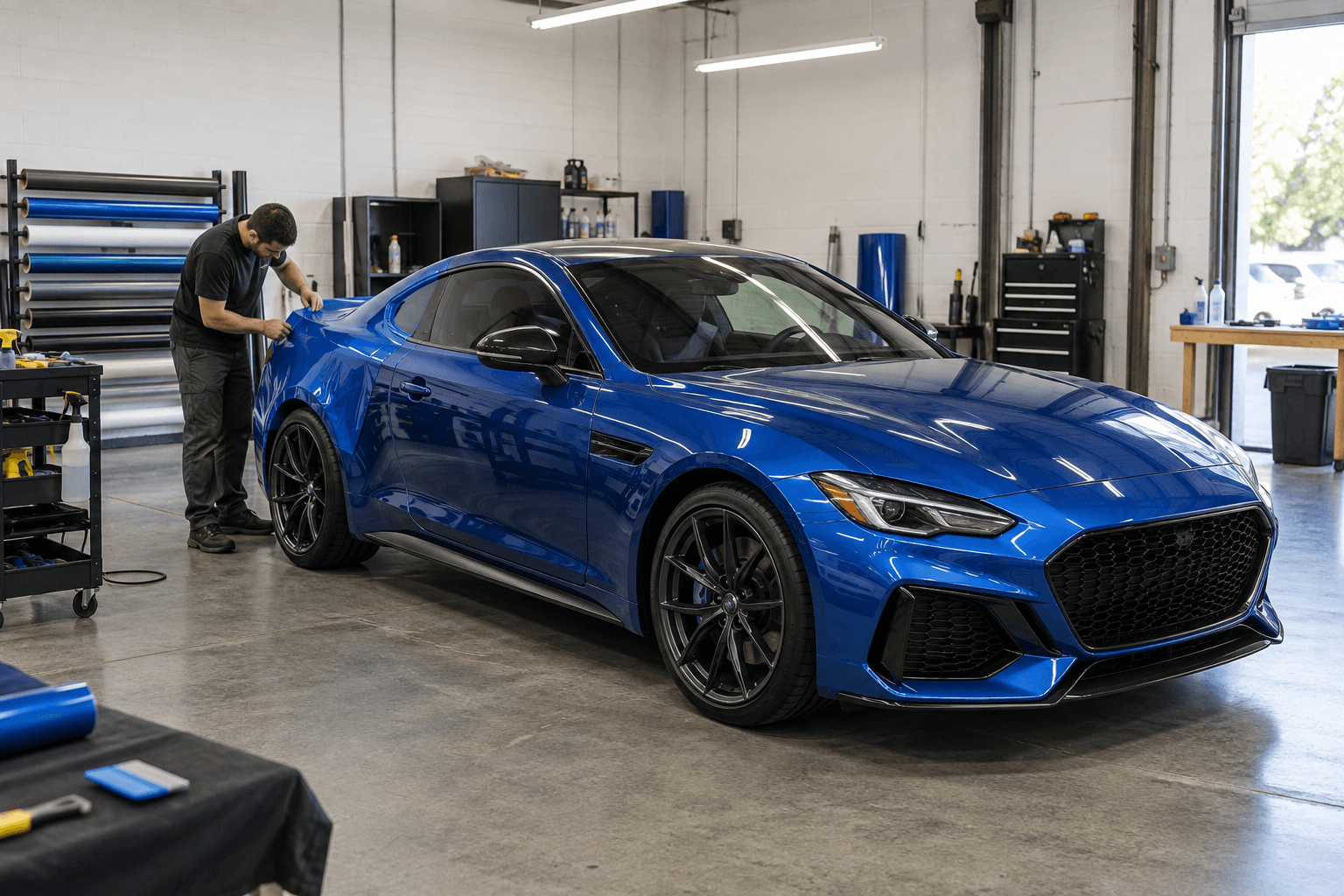 In the shop / color-change wraps
Full wraps, partial wraps and custom graphics for personal vehicles and businesses. We’ll help you choose the coverage, material and finish for the job.
Satin, gloss, matte or something that moves with the light. Start with a color; we’ll work through the finish together.
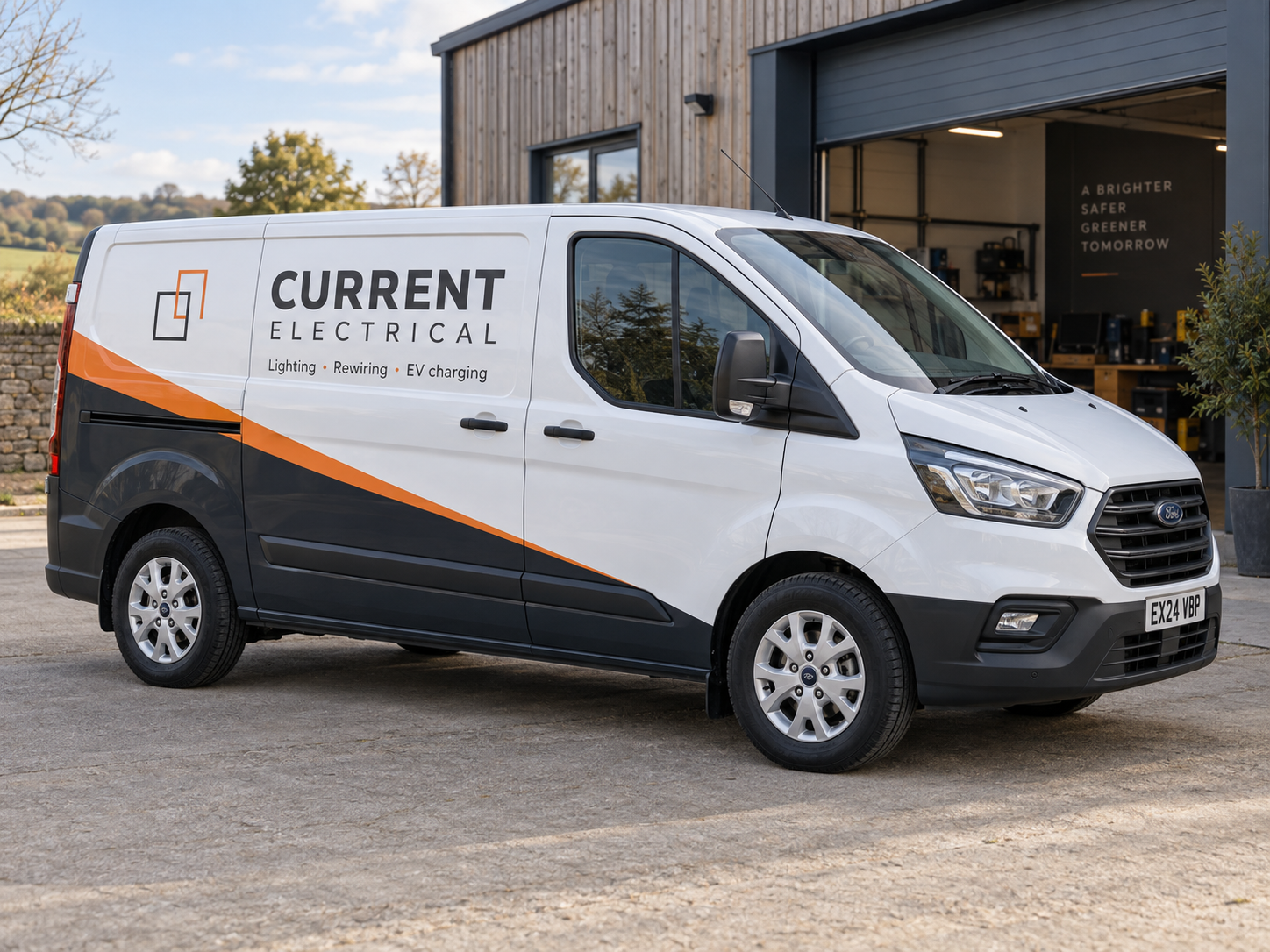
Turn the vehicles you use every day into a clear expression of your business. Share your logo, vehicle and ideas.
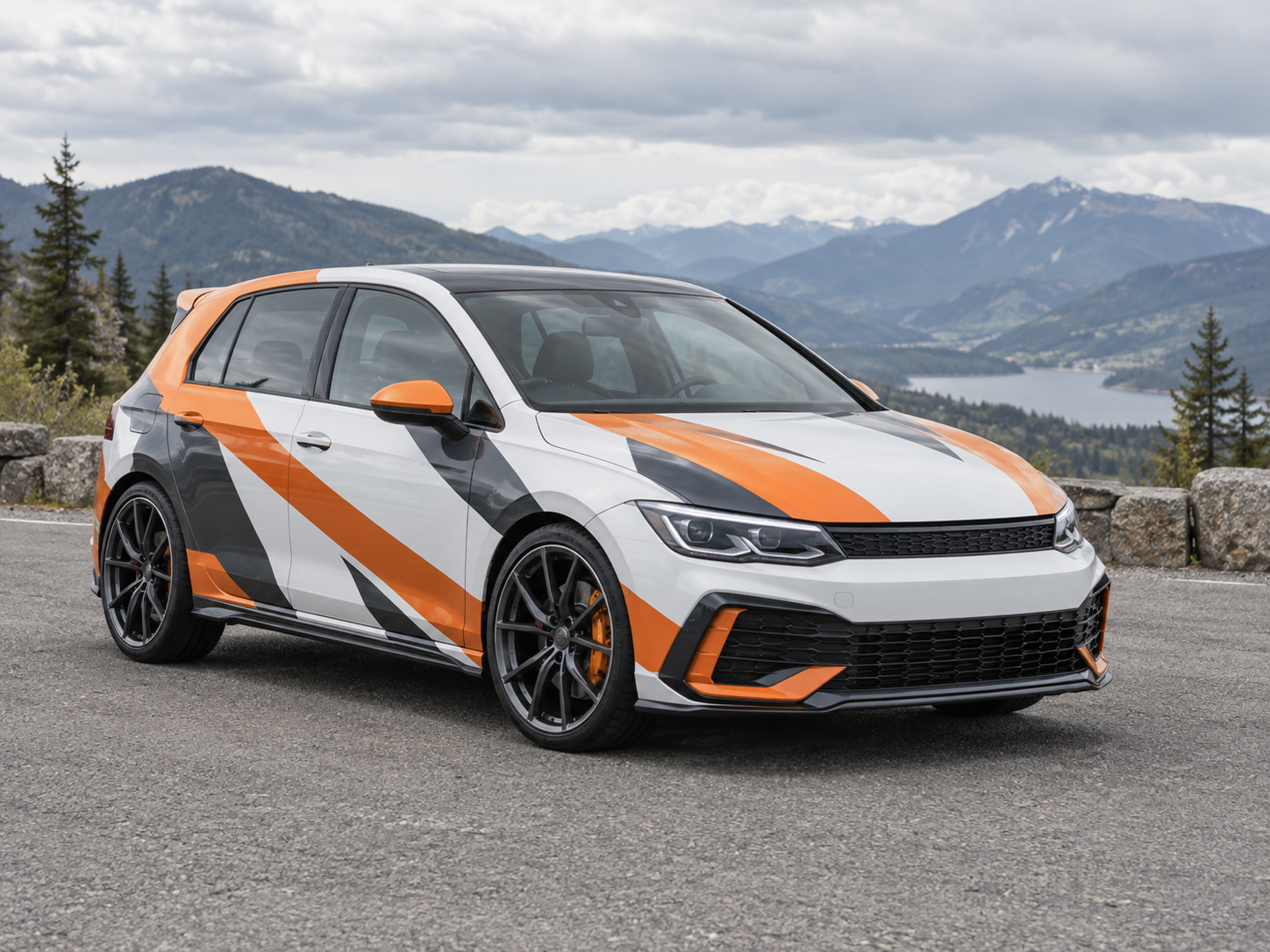
Graphic details, one-off designs and a livery with your own point of view. Build a visual brief for the conversation.
Explore color, finish and graphics. These example concepts show where a conversation can begin.
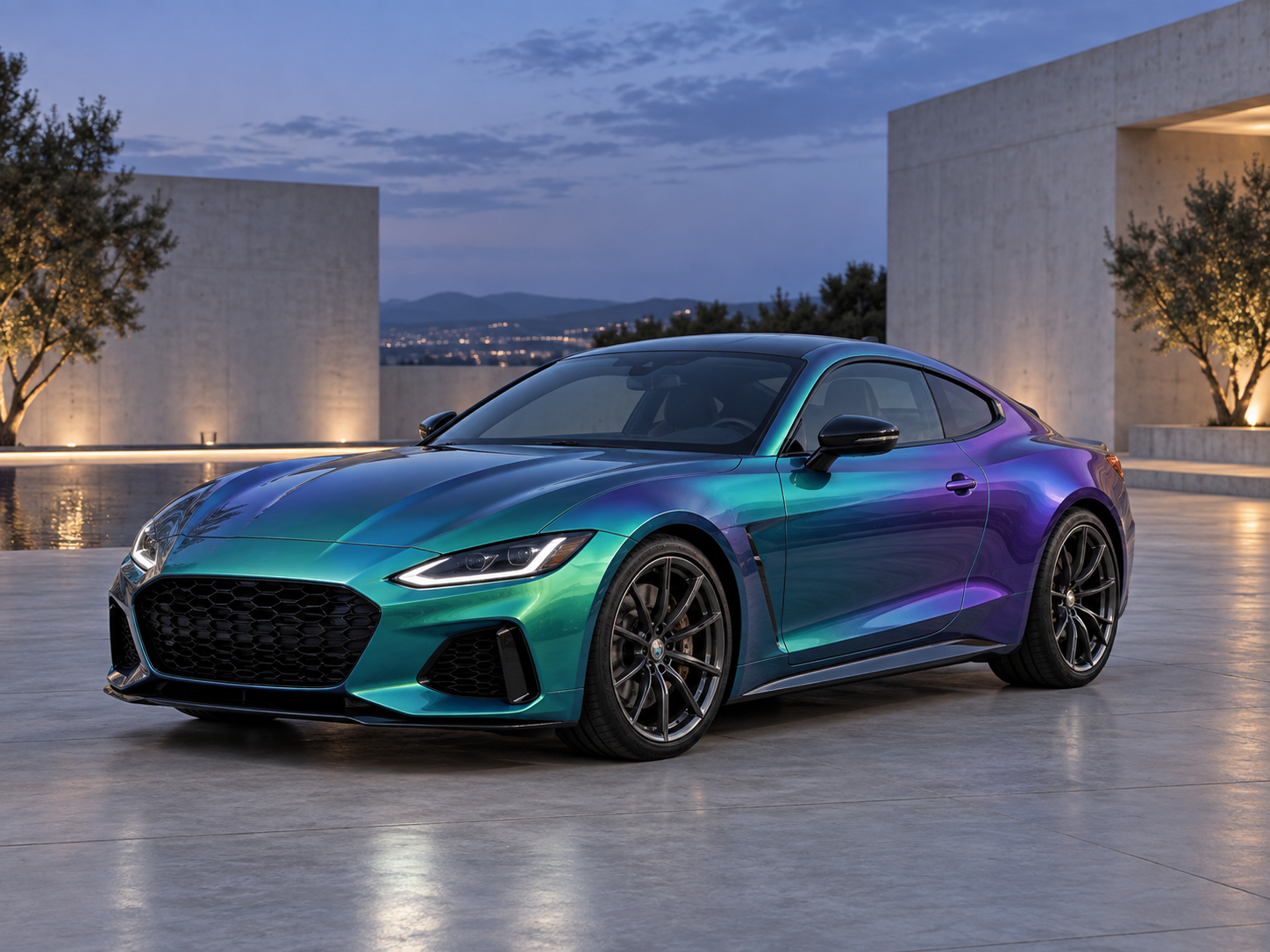
Deep teal in the shade. Violet as the light moves. A color-shift concept for a coupe with a little more character.
We’re a vehicle graphics shop serving Dallas–Fort Worth. We work with drivers, local businesses and fleet managers, from the first design conversation to the final install.
Bring your vehicle details, business logo or a few ideas. We’ll talk through coverage and give you a quote.
We confirm the material, colors and artwork with you before anything goes into production.
Drop off your vehicle at the agreed time. We’ll walk you through the finished wrap and how to care for it.
Share your vehicle and the look you have in mind. We’ll help you work out the finish, coverage and next steps.
Complete an inquiry on Northline’s demo website. The details you enter will appear here, exactly as a shop would receive them.
Northline is a fictional shop. Use sample details; concepts are pre-made and the inquiry stays in this preview.
Lead capture for wrap shops
Put a photo, project brief and contact details behind each new request. Open your inbox with something specific to discuss.
Every accepted inquiry arrives together in your shop workspace. No piecing a project together from separate messages.
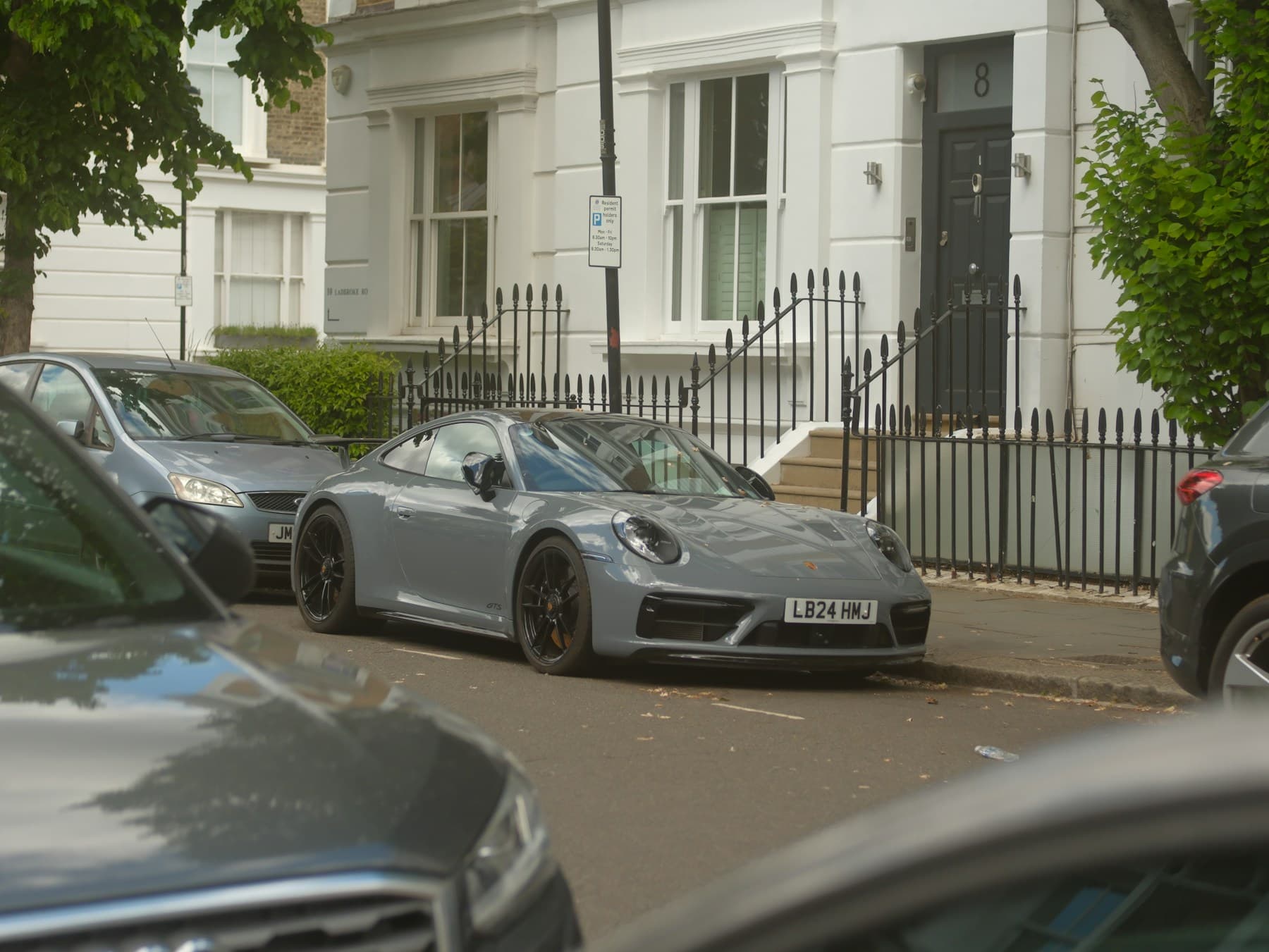
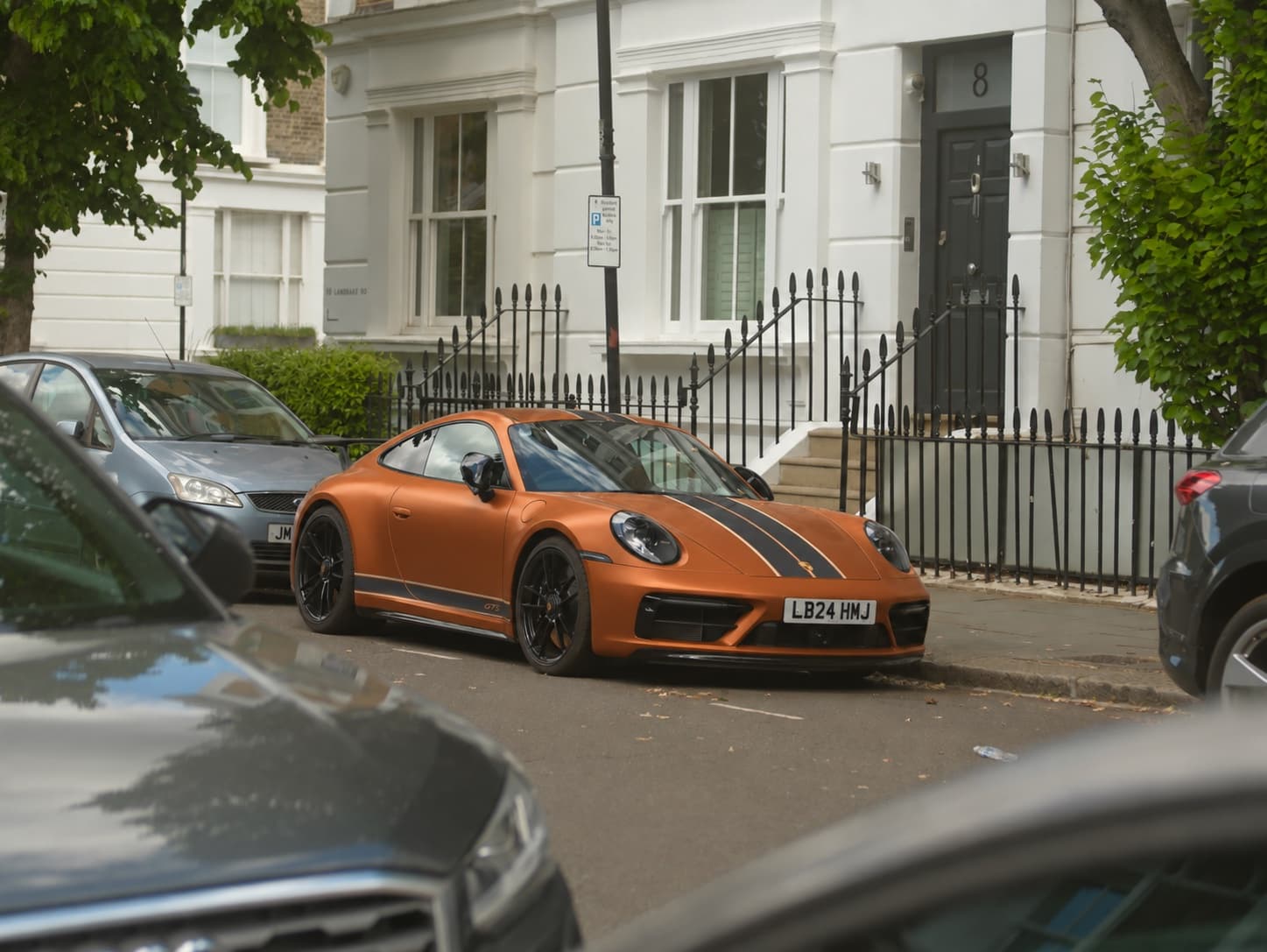
“I’d like a satin copper finish with the black details kept. Can we talk through options?”
A clear next step
Track which leads need a reply, which have a quote, and which have become your next job.
Leads appear in your private dashboard. Automatic email alerts are not included.
From website visit to project request
Customers preview a direction before the first call. Your shop handles the quote, design approval and installation.
Customize the customer experienceOn your website, customers upload their vehicle, choose from your wrap collection or describe their own idea, and add any details for your team.
Before creating the concept, they provide their name and email and actively agree to share the inquiry with your business.
The accepted inquiry is saved to your dashboard before generation starts. Review the result, discuss the job and prepare your quote.
No website rebuild required
Give customers an AI car wrap visualizer without sending them away from your website. Add it to any HTTPS site that allows custom scripts or iframe embeds, as a section on your quote page or a floating “Start your wrap” button.
Your website plan must allow the embed. Setup includes platform instructions and a direct iframe option.
Built around your services
Choose a template, match your branding and tailor the wording. Preview the full journey before it goes on your website.
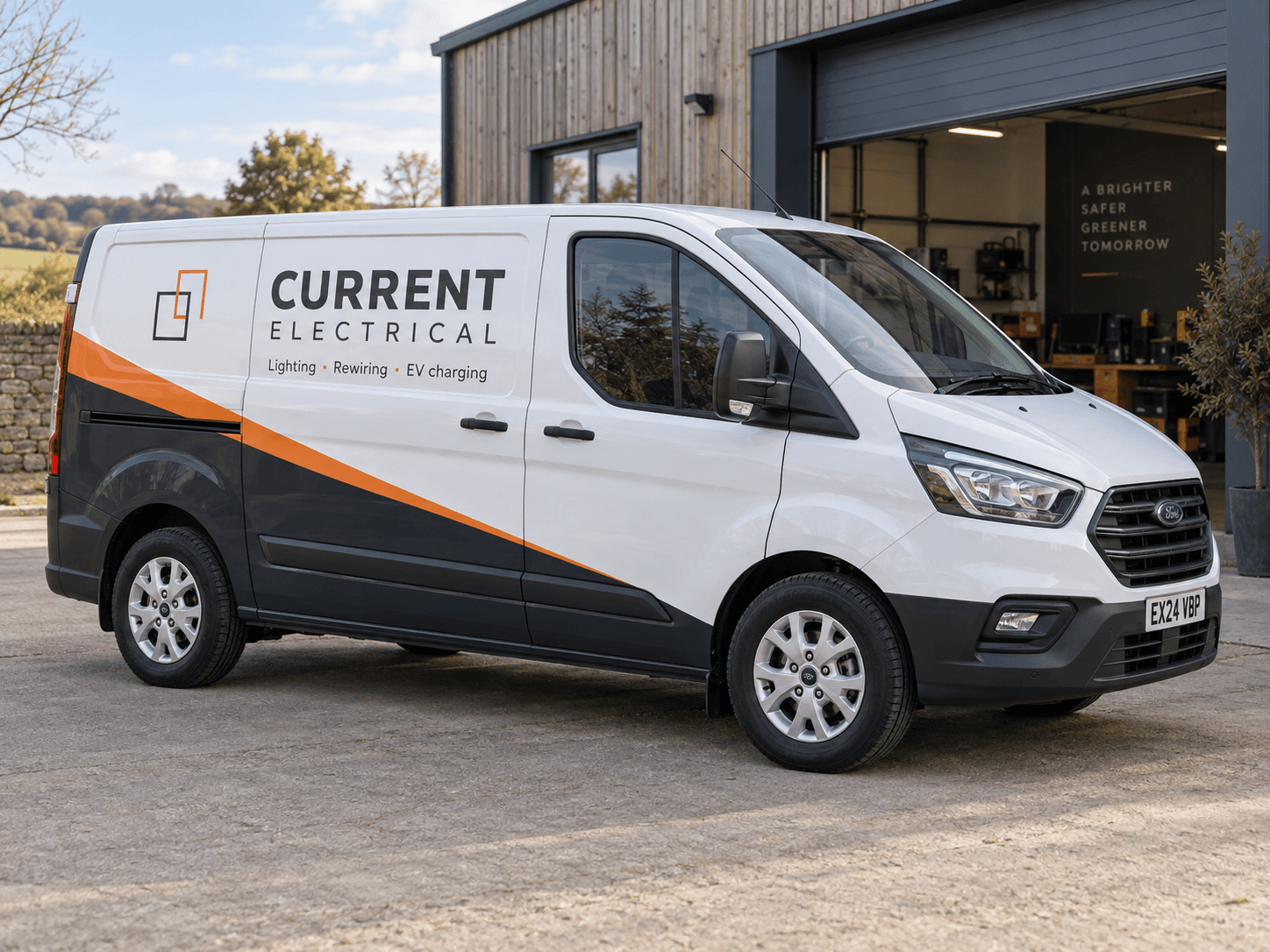
Collect a vehicle photo, business logo and design brief from contractors, service businesses and fleet customers.
Customize this templateHelp drivers explore a color or finish on their own vehicle. Follow up to confirm film options, coverage and pricing.
Customize this template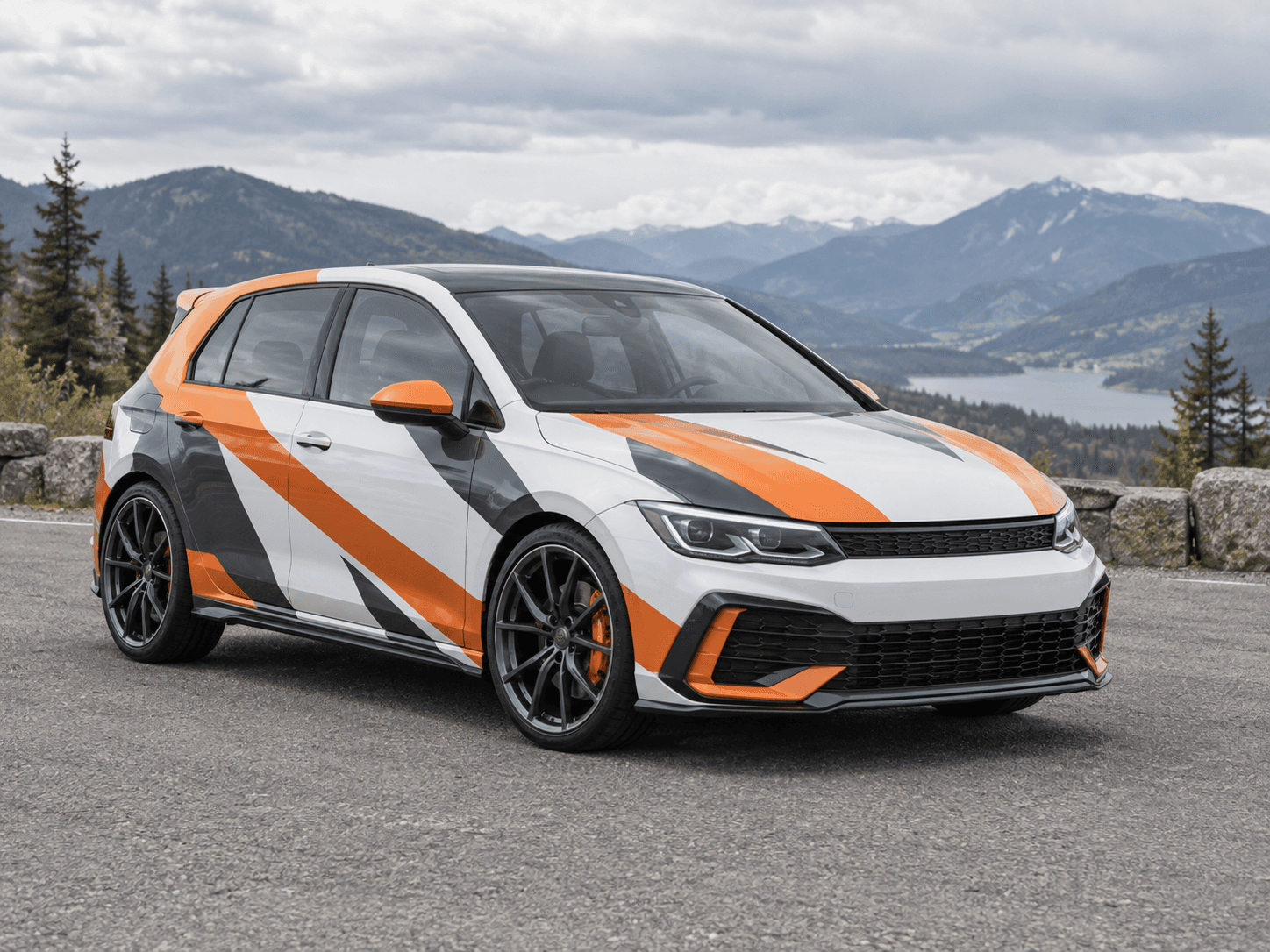
Start a custom graphics conversation with the customer’s photo, inspiration and contact details in one place.
Customize this templateIllustrative concepts, not customer projects. Final design, lettering, fit and print artwork remain your team’s work.
The Shop plan
Add a new way to capture wrap requests without rebuilding your website. Custom branding, compact layouts and your lead inbox are all included. No setup fee or per-lead fee.
Explore the product walkthroughFor independent wrap shops and sign shops offering vehicle graphics.
Preview free. A paid plan is required for live lead capture and AI generation.
No automatic overage charges or rollover. Accepted attempts count even if the image provider fails. Cancel through the billing portal; access continues until the paid period ends. Applicable tax is shown at checkout.
Before you get started
Use the script embed on any HTTPS website that supports custom JavaScript, or the direct iframe on a site that allows iframe embeds. Guides cover WordPress, Webflow, Squarespace, Shopify and custom HTML. Some website-builder plans restrict custom code; your plan and site security settings must allow the embed.
Each accepted request is saved in your private shop dashboard with the customer’s contact details, vehicle photo and brief. The AI concept is added when generation succeeds. Track leads from new to contacted, quoted, won or closed, and export the current page as CSV. Check your dashboard for new leads; automatic email alerts and CRM sync are not included.
It creates an AI concept and captures a project request. Your shop confirms vehicle details, materials, coverage and pricing with the customer. Concepts are a starting point for discussion; colors, lettering and logo placement need review, and your designer prepares the final production artwork.
Yes. Customers can upload a vehicle photo and optional company logo, then describe their project. Start with a commercial, color-change or custom graphics template, or add your own example briefs. A concept shows one submitted vehicle; it does not generate a fleet-wide production package.
Yes. Add up to 12 named colors, finishes or design options, with product codes, swatches or thumbnail photos, and descriptions for the AI preview. Customers choose an option and add notes; those details stay with the inquiry. The AI works from your descriptions and approximate colors. Thumbnail photos are for browsing, and exact artwork or manufacturer color matching still needs your team’s review.
Yes. The embedded form and floating button open the experience on your page. You choose the shop name, colors, wording and examples. Customers see your business throughout, with a small Car Concepts AI attribution.
The editor and sample customer journey are free to explore, with no card needed. Preview your branding and test the form using saved example images. An active shop plan is required to accept real inquiries and generate new concepts.
An accepted request is saved before generation begins, so your shop keeps the contact details and brief if the image provider fails. Accepted attempts still count toward your allowance. At 100 attempts, the widget stops accepting new concept requests until the next paid billing period. Each visitor or email is limited to 3 attempts per 24 hours.
Customers explicitly agree to share their contact details, photos and brief with your shop. The form links to your privacy policy. Uploads use private storage and temporary viewing links, and you can delete an inquiry with its stored files.
Put your branding on the widget. Try the customer flow. See the project details your shop receives.