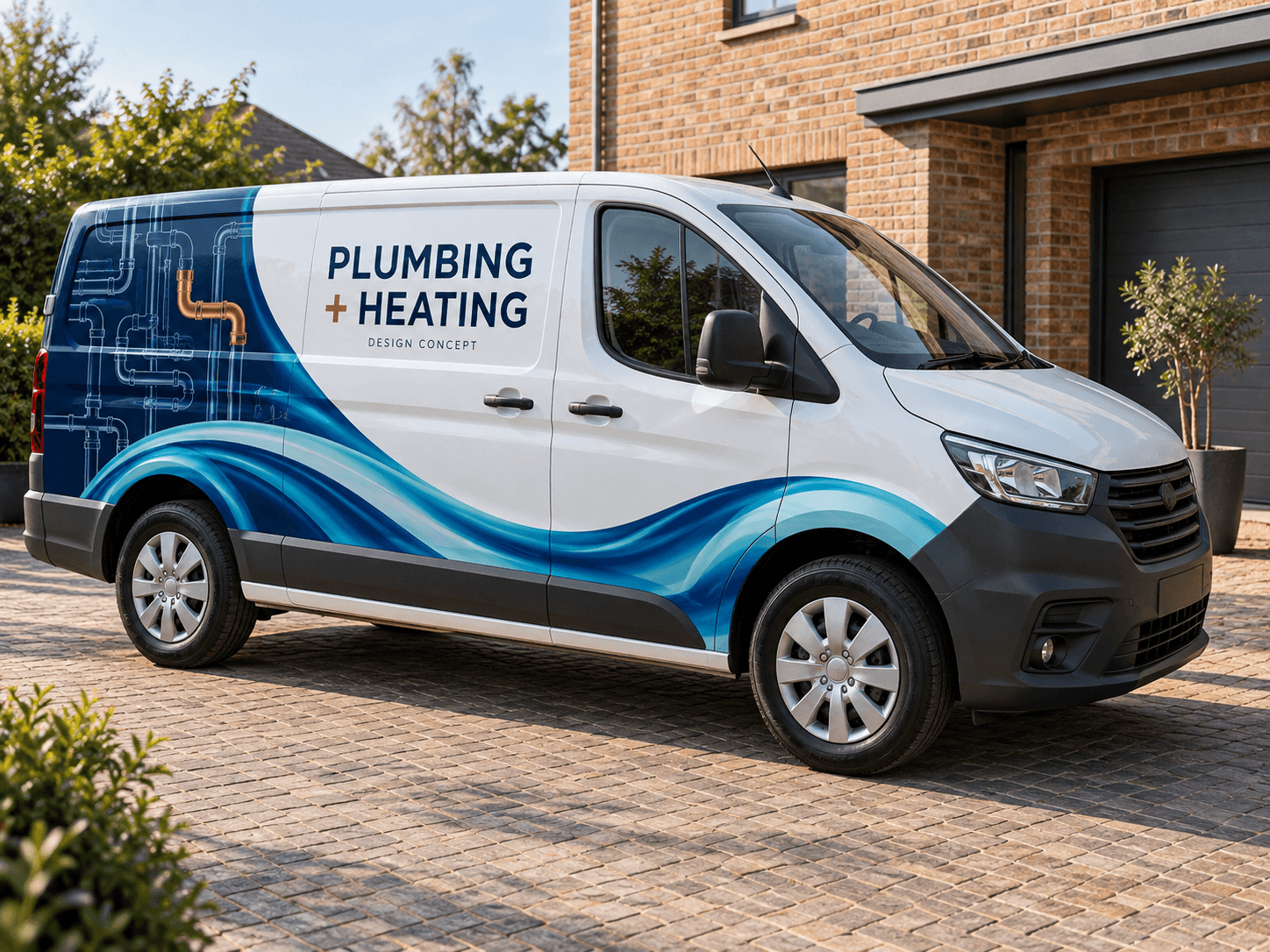
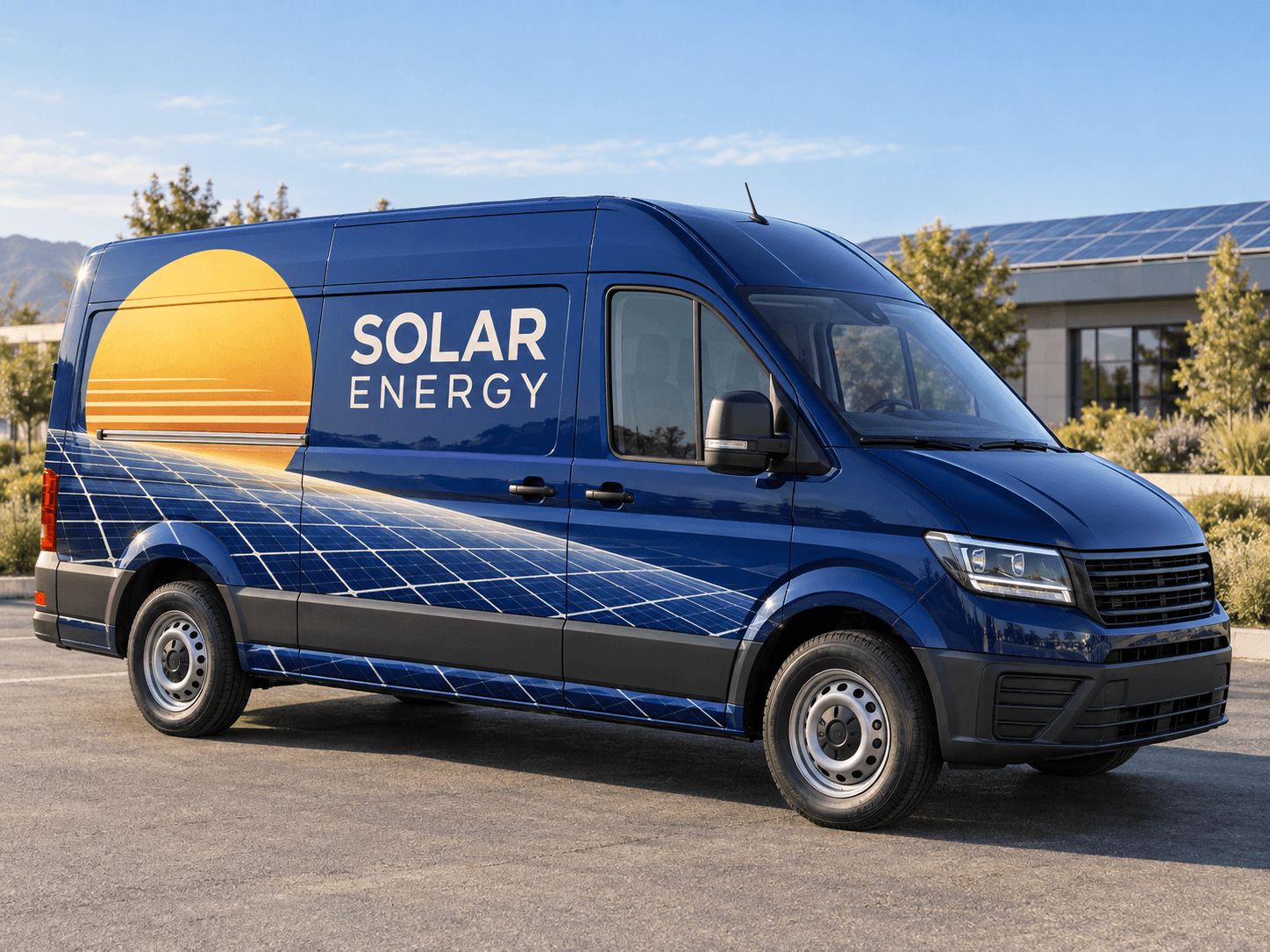
Make heating and cooling easy to recognise at a glance. Try sculptural warm-and-cool ribbons, a restrained heat-pump identity or direct commercial ventilation lettering on your own van.
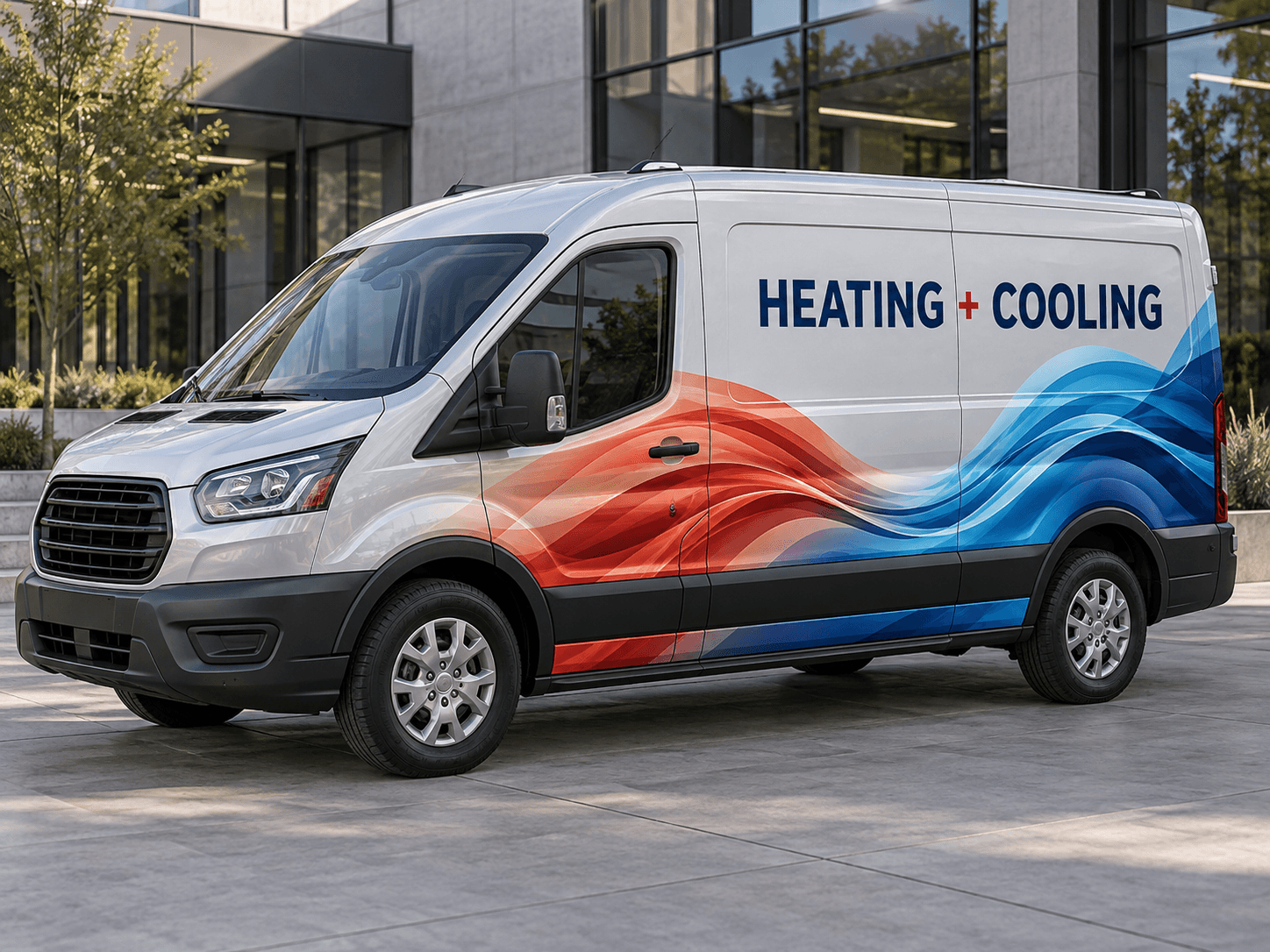
Coral and ice-blue airflow ribbons meet along pearl-grey bodywork, leaving the upper panel open for a strong navy service line.Original AI concept · No customer branding
Airflow in colour
Use your own vehicle photo
Add your business logo
Save a concept for your signwriter
Choose a direction
HVAC van design ideas
Lead with the equipment or work your customers actually need. A colour split can suggest heating and cooling, but the words should name the service.
01
Heating and cooling together
Warm and cool colours provide a simple visual distinction. Use the two ribbons as one continuous graphic and put the name above them. Keep the design balanced so it does not appear to advertise only one half of the business.
Try this with your van
Create an HVAC van design for [business name] with coral warm-air ribbons and ice-blue cool-air ribbons on pearl-grey panels. Use navy lettering for [heating and cooling services] and [contact details]. Keep the upper panel calm.
Give heat pumps a readable service line if they are your main work. A small airflow motif can support it. Use your own colours and avoid inventing efficiency savings or approval marks to fill the space.
Try this with your van
Design heat-pump installer van signage for [business name]. Use [brand colours], a restrained airflow motif, [actual heat-pump services] and [contact details]. Do not add savings figures, efficiency ratings or certification marks.
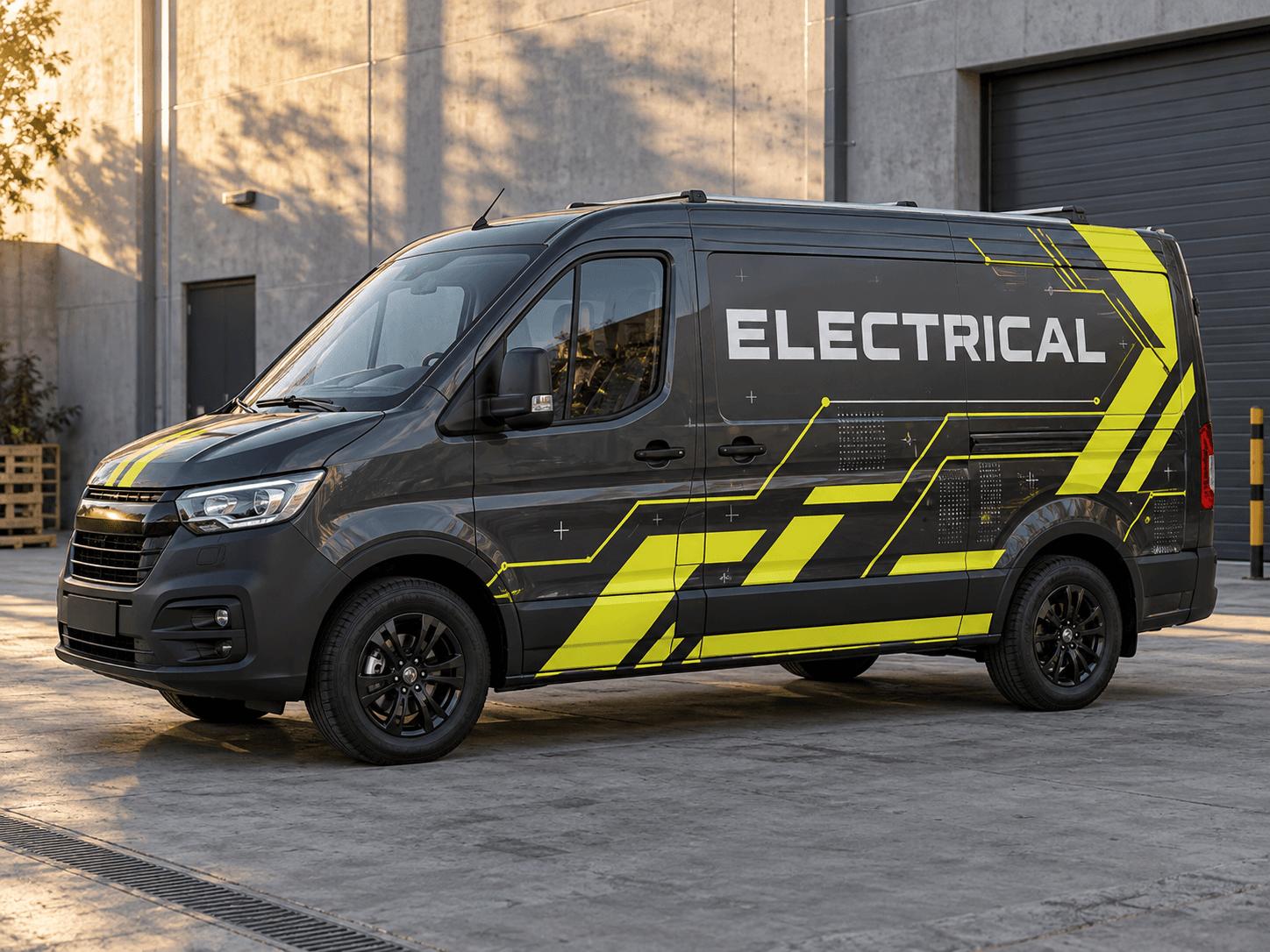
A technical grid and a solid dark panel can suit a commercial-maintenance business. Separate installation from servicing if you offer both. Keep equipment brand names out unless you have permission to use their original artwork.
Try this with your van
Create commercial ventilation van lettering for [business name]. Use graphite, white and [accent colour], a subtle duct-grid illustration on the rear and clear [installation or maintenance services] plus [phone or website].
Your chosen prompt opens in the studio, ready for your photo and business details.
Upload your photo and logo.Vehicle first, optional logo second.
Make the prompt yours.Replace the square brackets with your business details.
Generate and save a favourite.Open the image in Your concepts to compare and download.
Before you generate
Design around a clear service offer
Make the acronym understandable
HVAC is familiar to some customers, but heating, cooling and ventilation can explain the offer more directly. Choose wording for your audience and put specialist systems on a secondary line rather than shrinking everything.
Keep manufacturer relationships accurate
Use original logos only where you are authorised to display them. A concept should not imply an approved-installer relationship or a performance promise you have not provided. Final vehicle dimensions and lettering need a production proof.
Designed around your work
Explore related industry designs.
Specific layouts, colours and starter prompts for different kinds of work.
Can I design an air-conditioning van without heating graphics?
Yes. Use a cooling-only prompt and ask for one cool palette or your established colours. Replace the service list with the air-conditioning work you offer. The example colour split is a starting point, not a fixed template.
Can I include heat pumps and ventilation on one van?
Yes, but give one service line priority and keep the rest concise. Generate a general HVAC version and a more focused version to compare. Each generation uses 1 image credit.
Start with your own vehicle
See the idea on your van.
You bring the photo and business details. AI helps you explore the design.