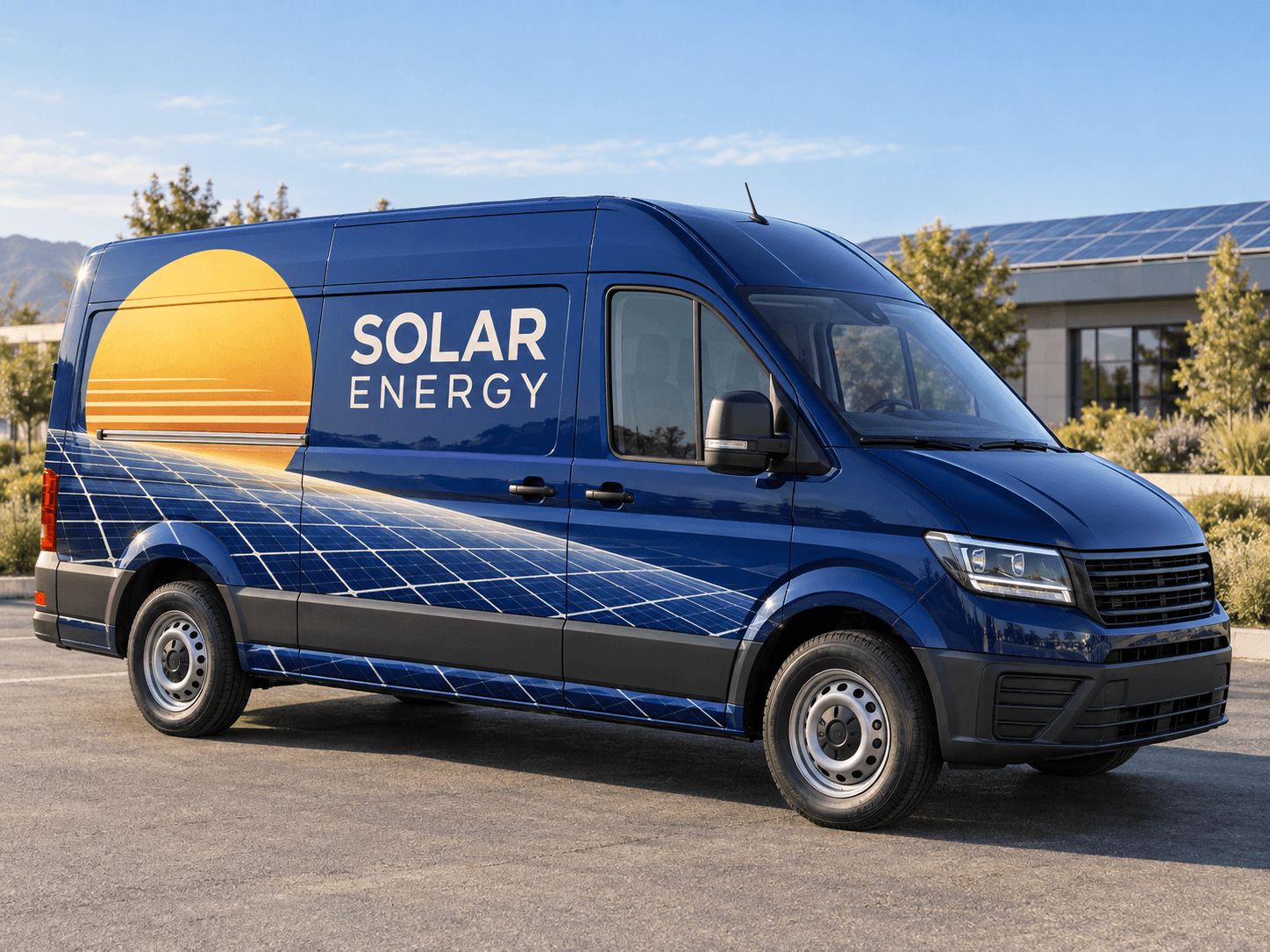
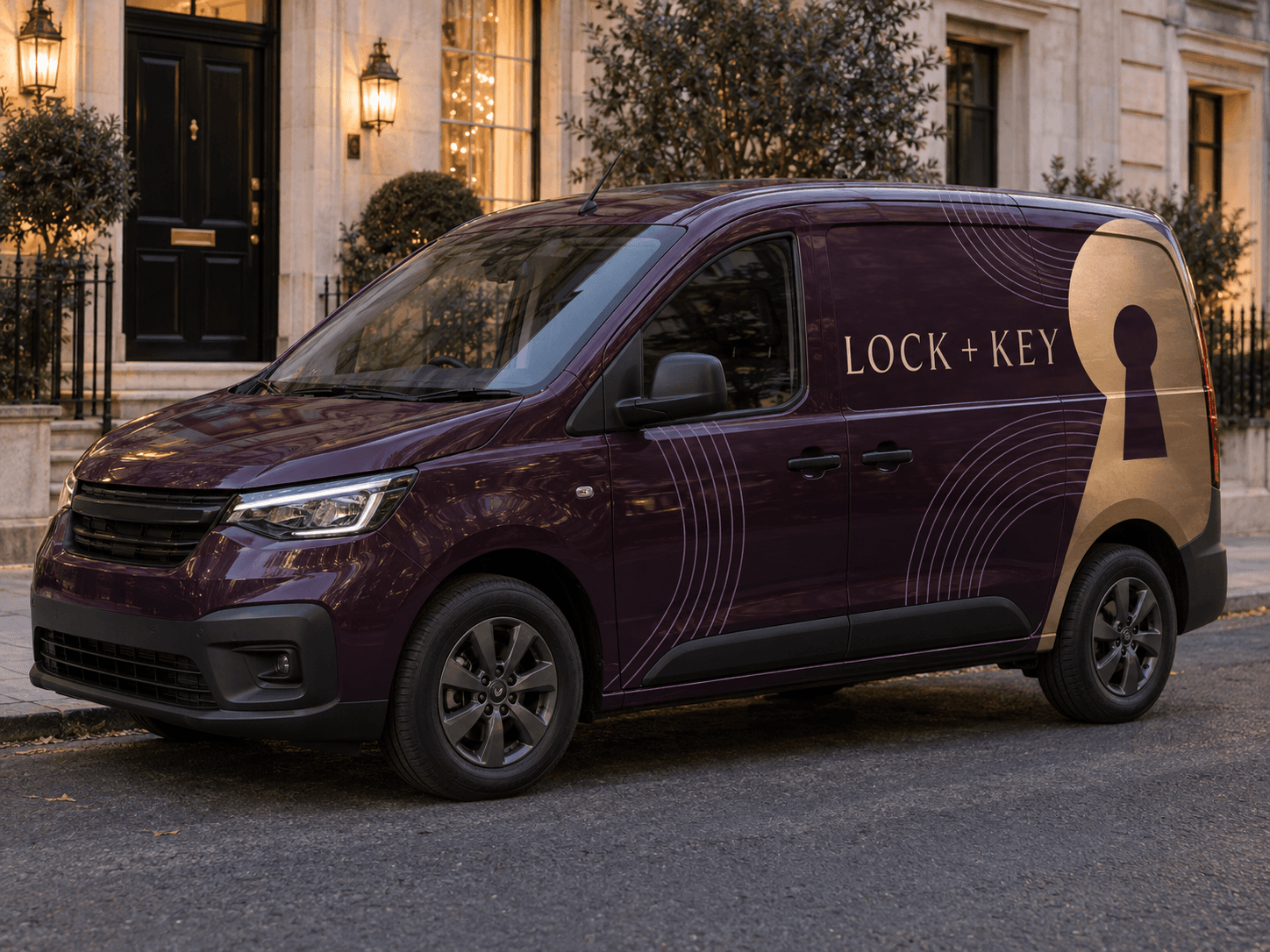
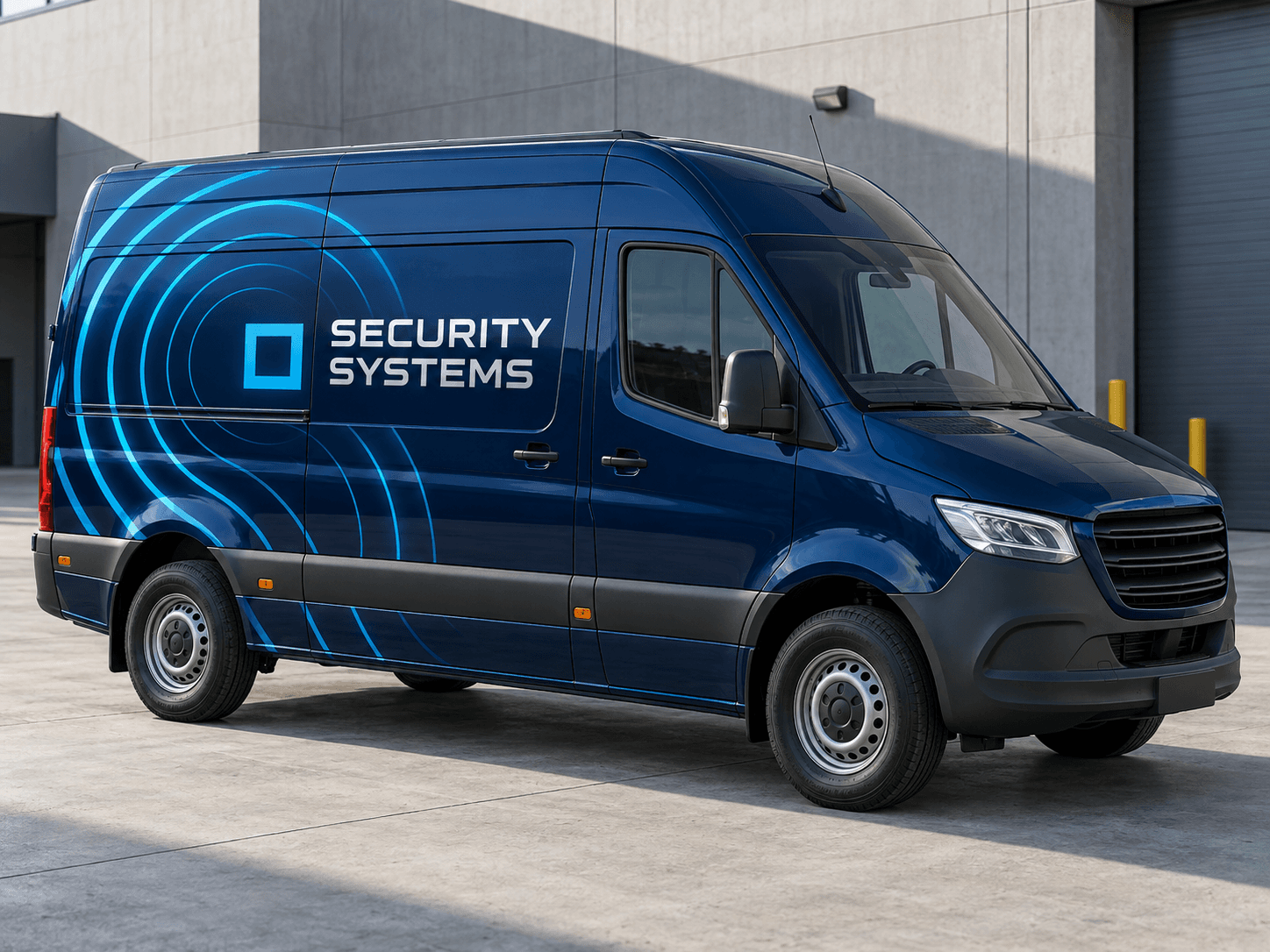
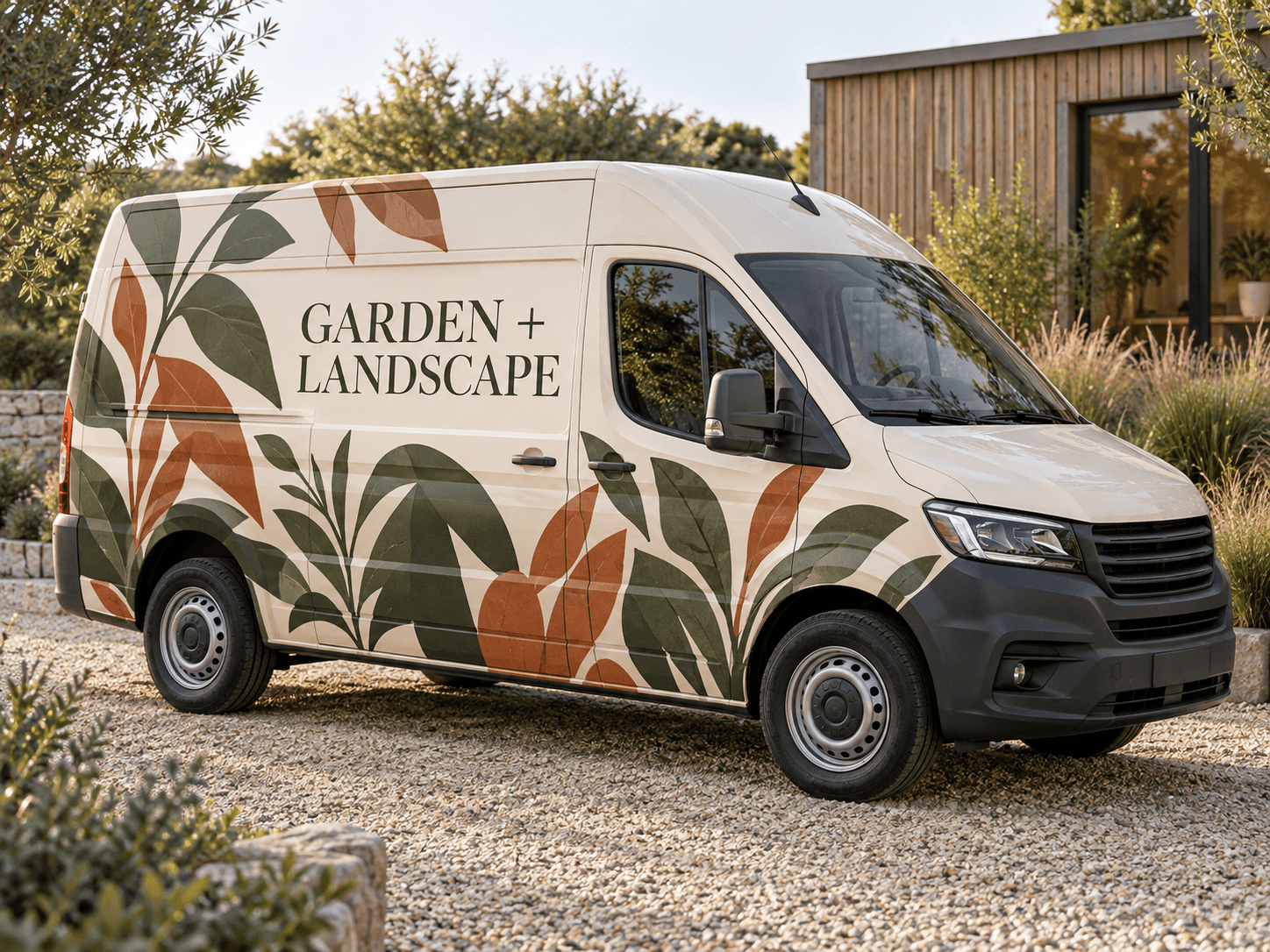
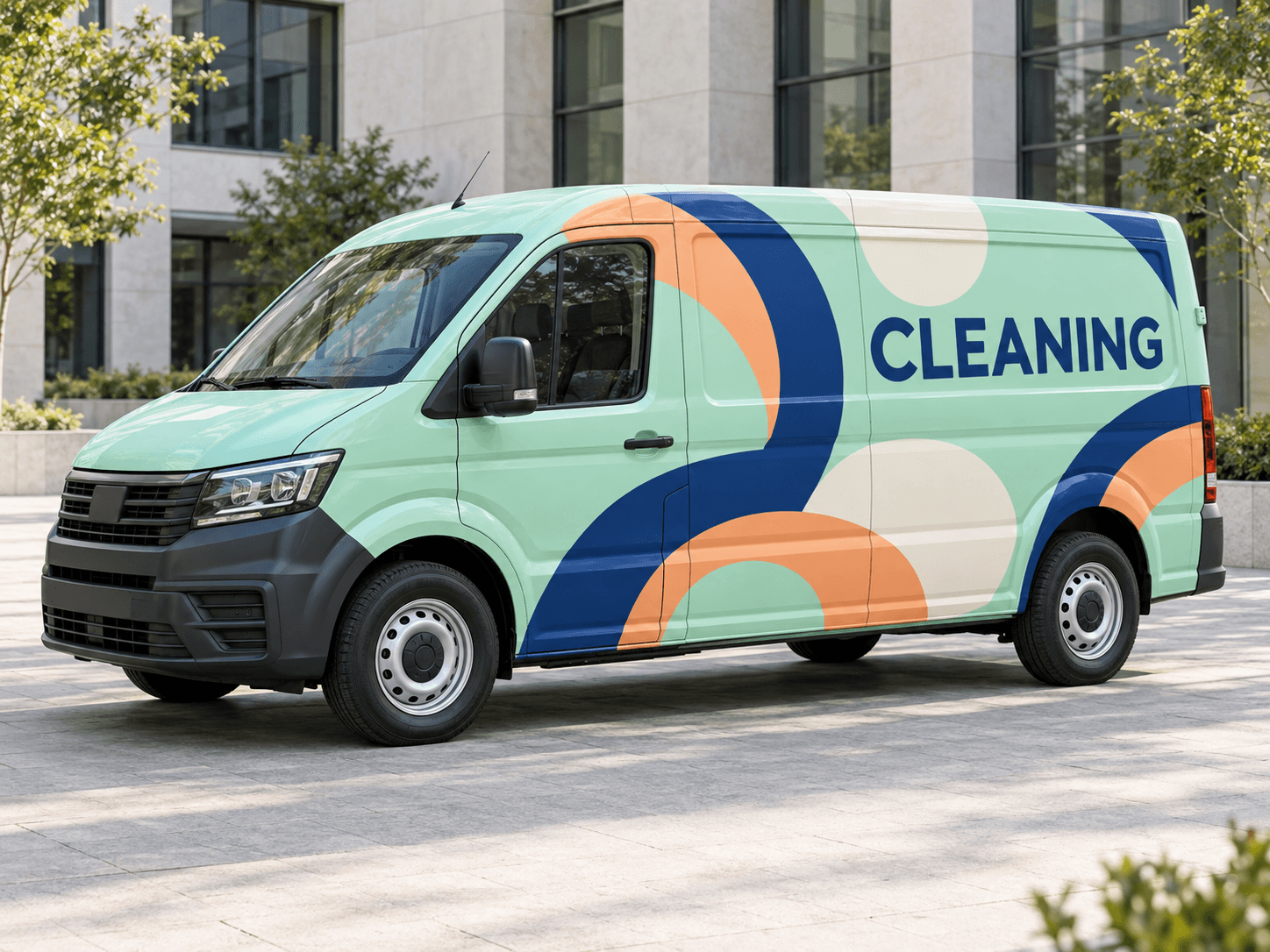
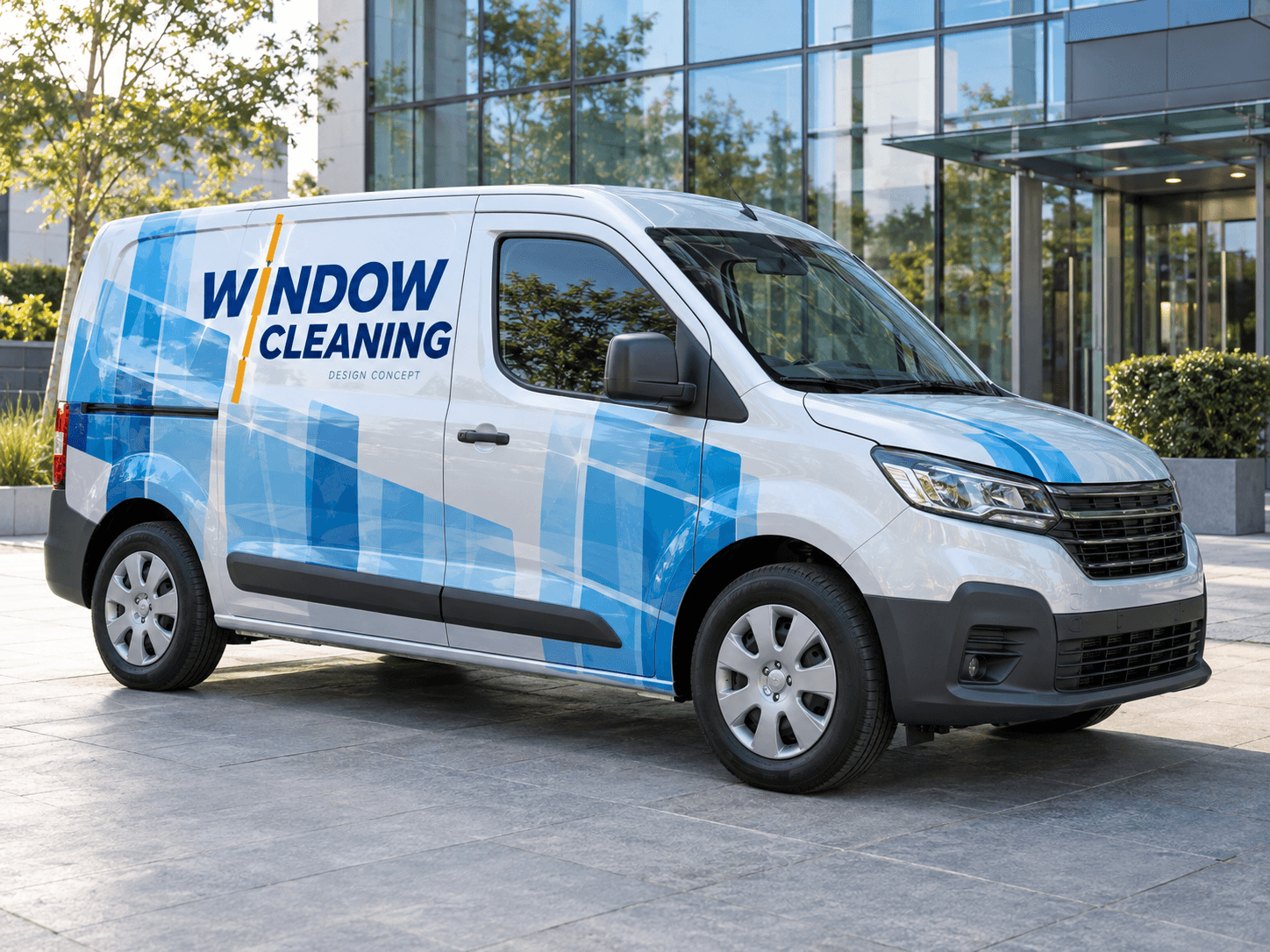
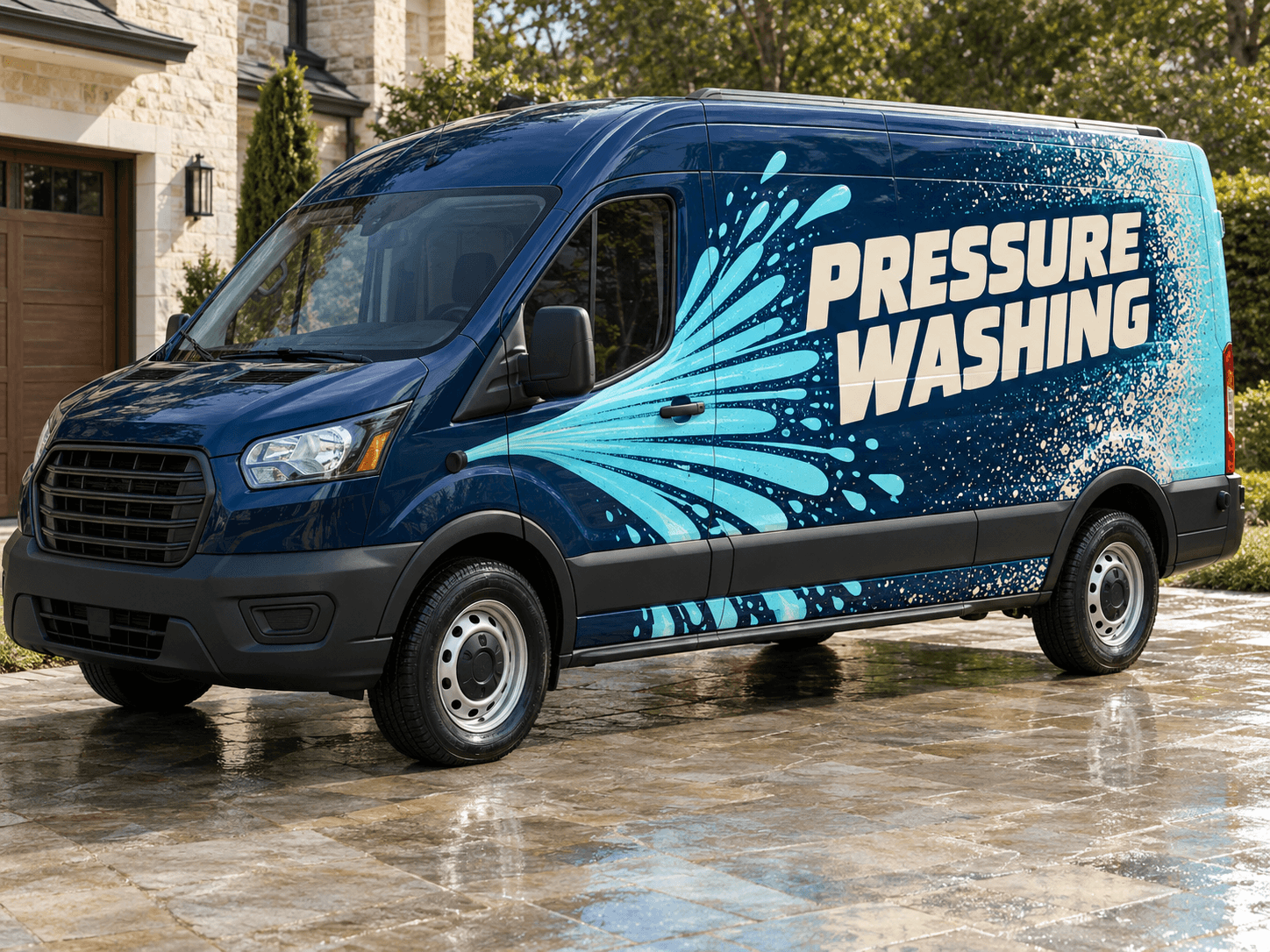
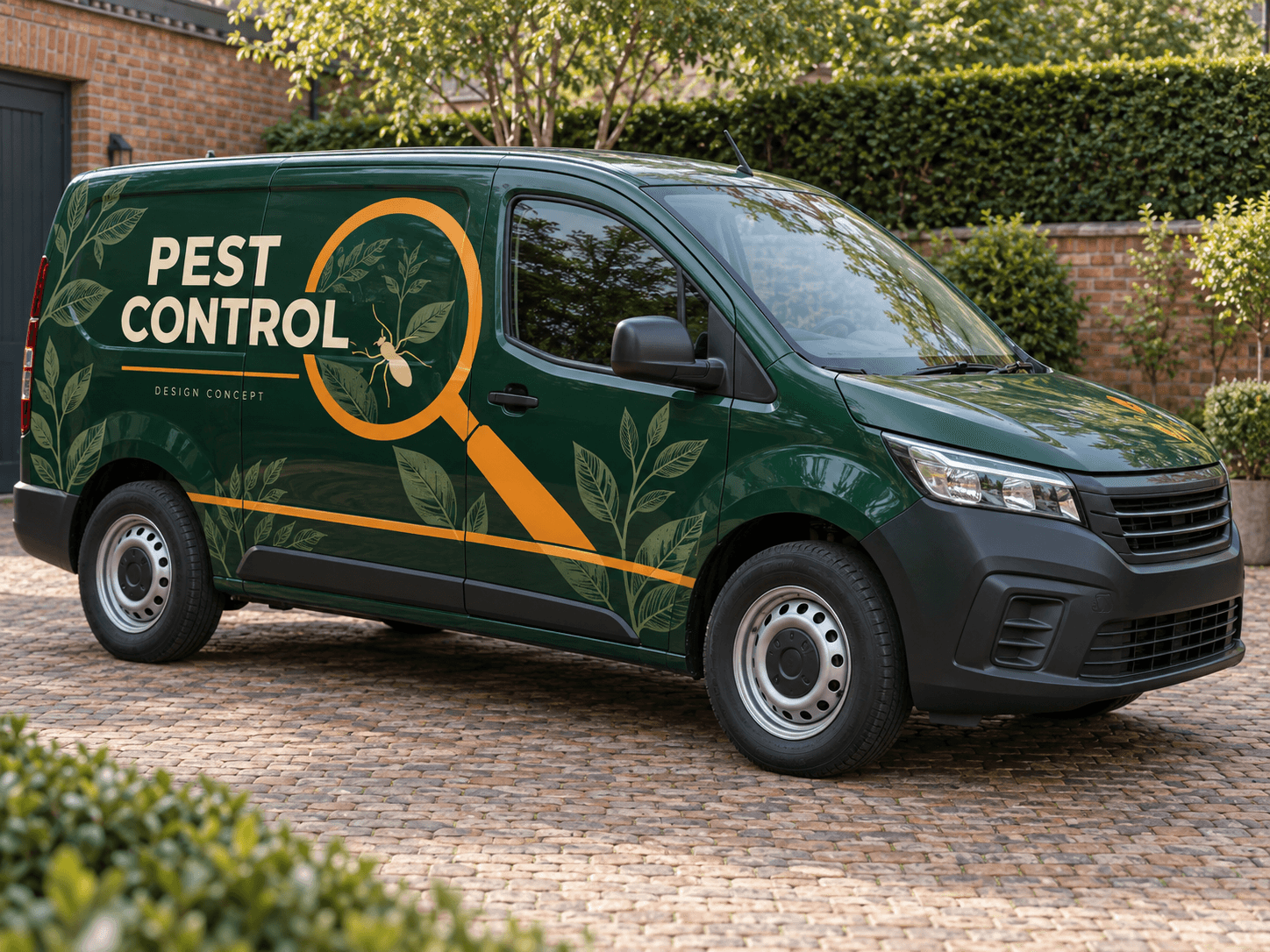
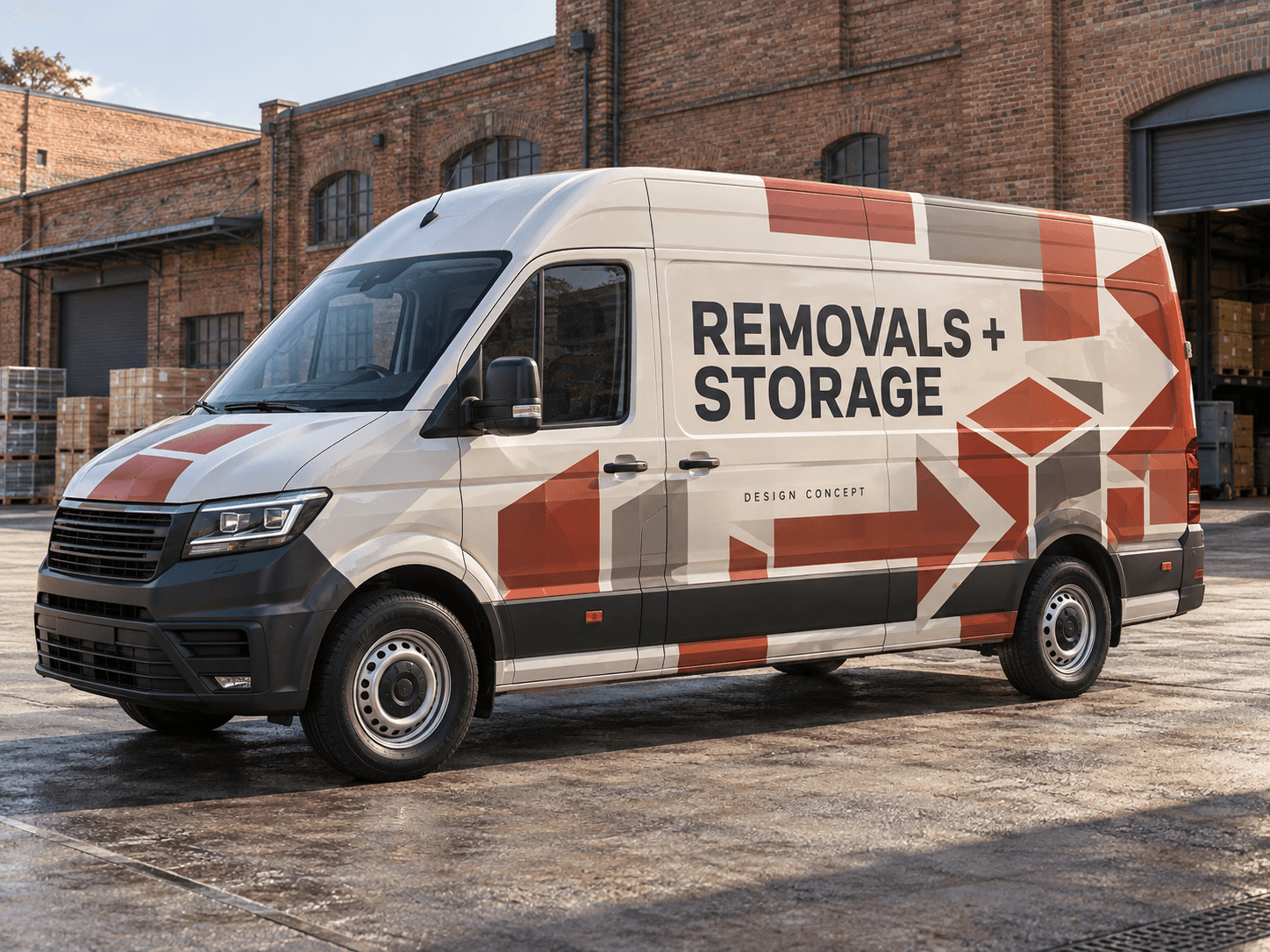
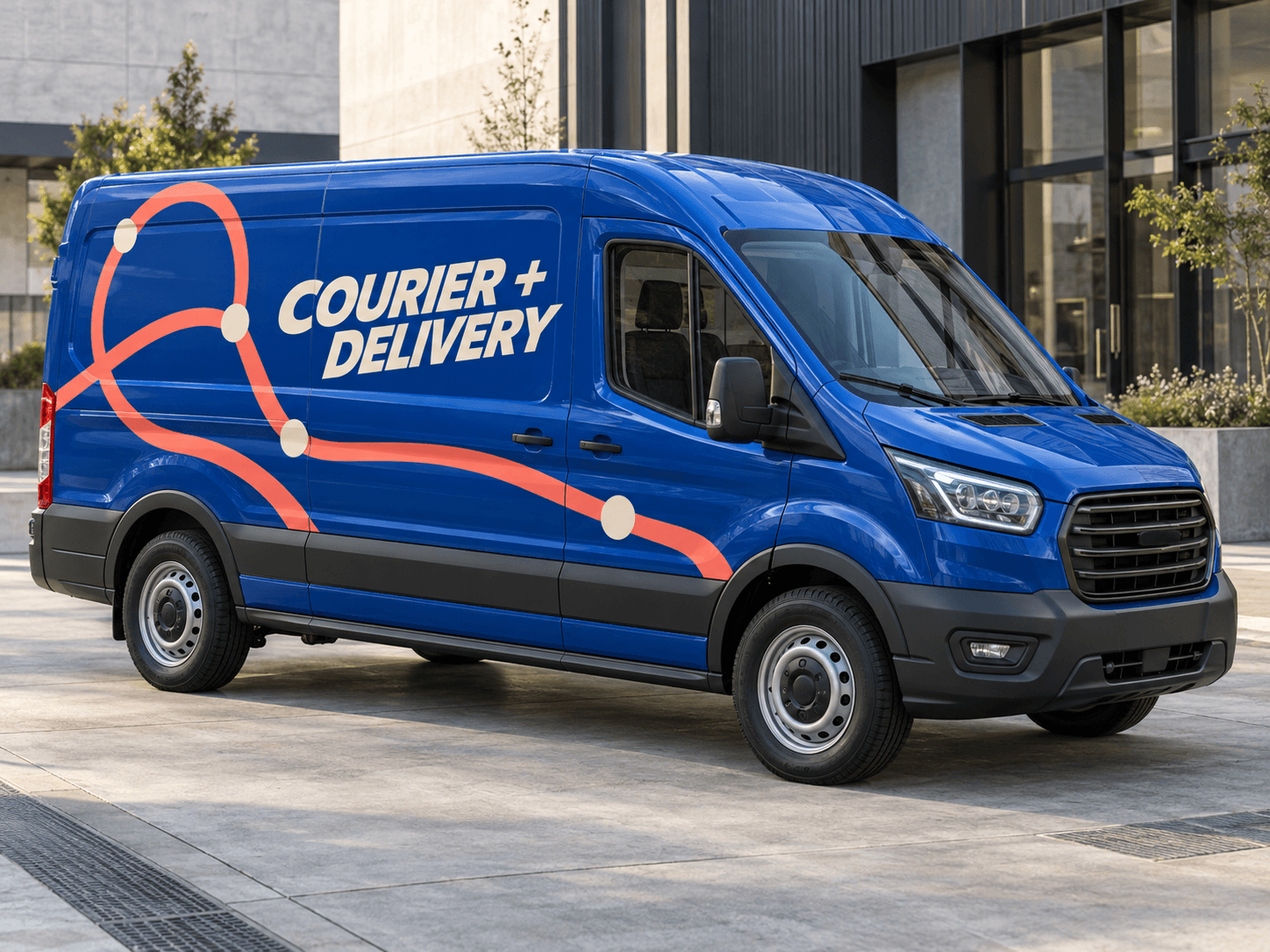
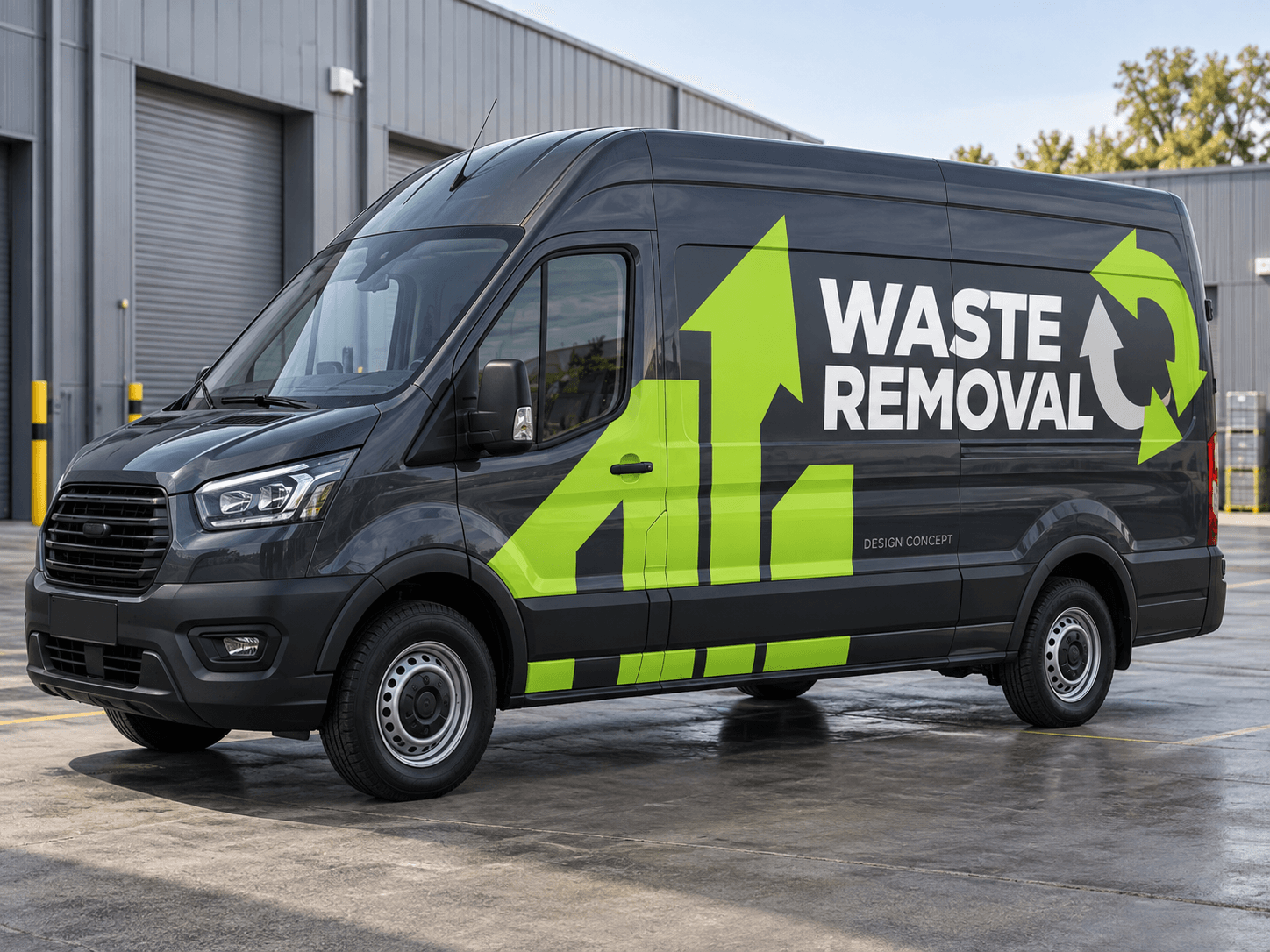
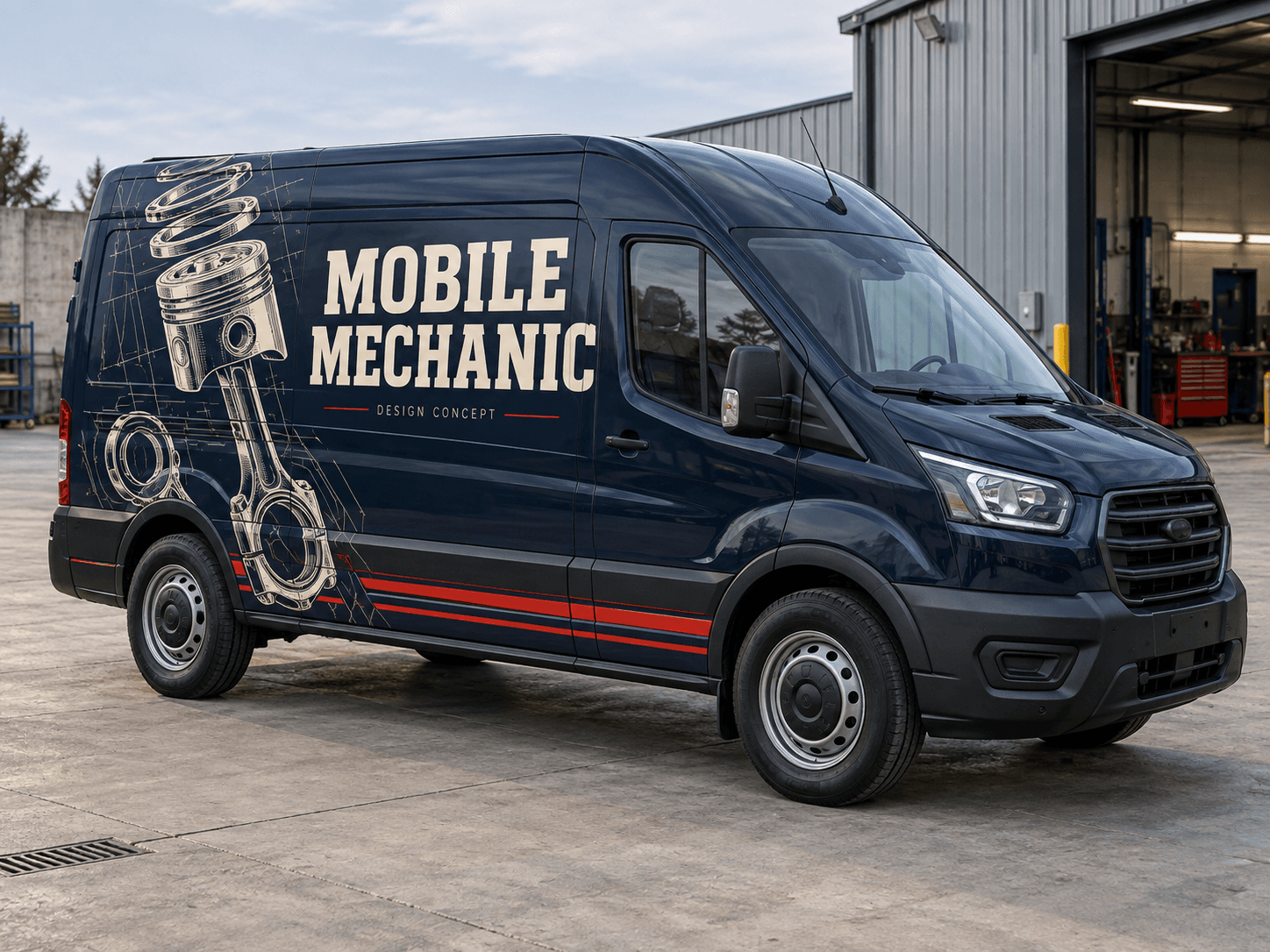
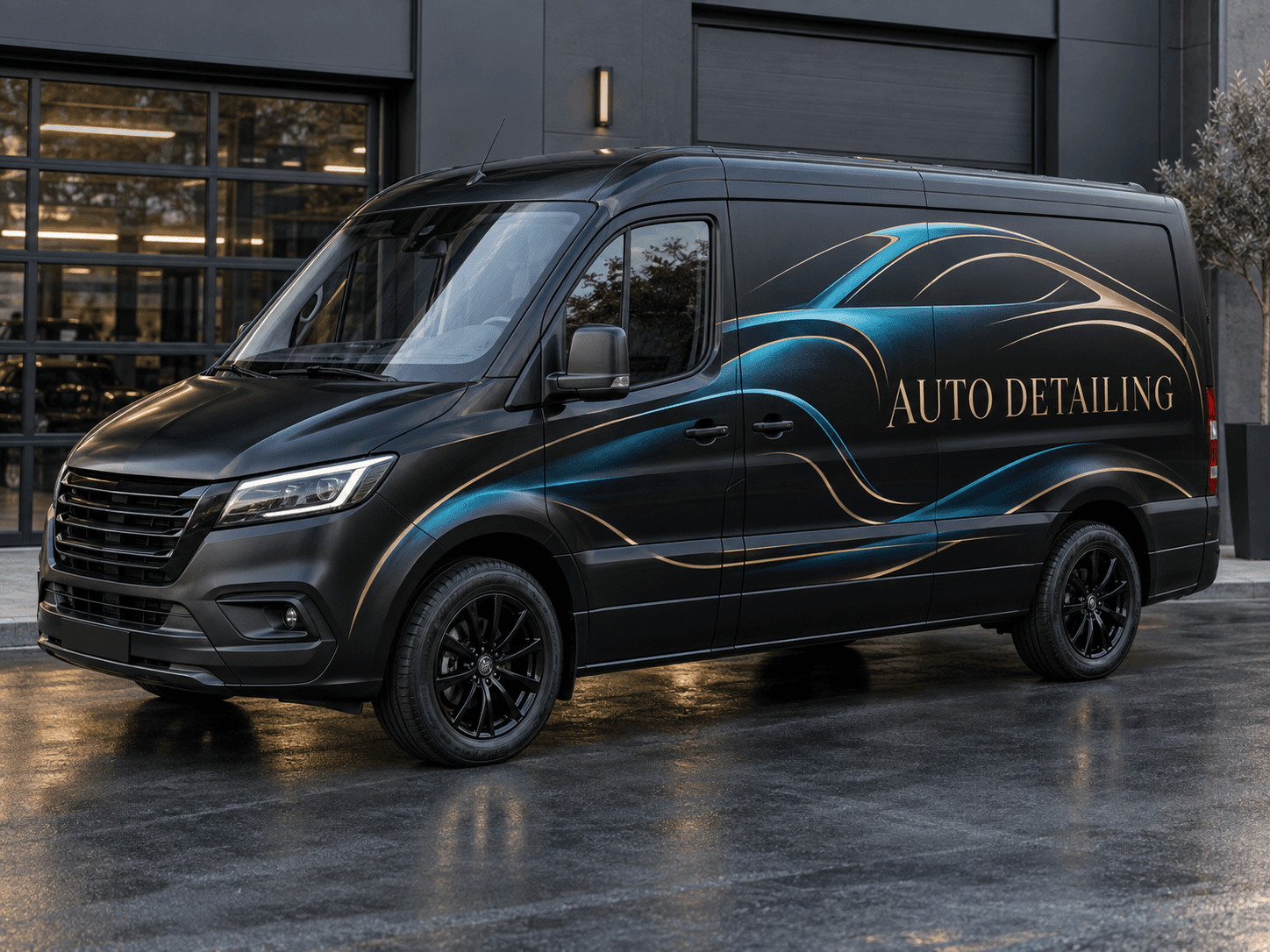
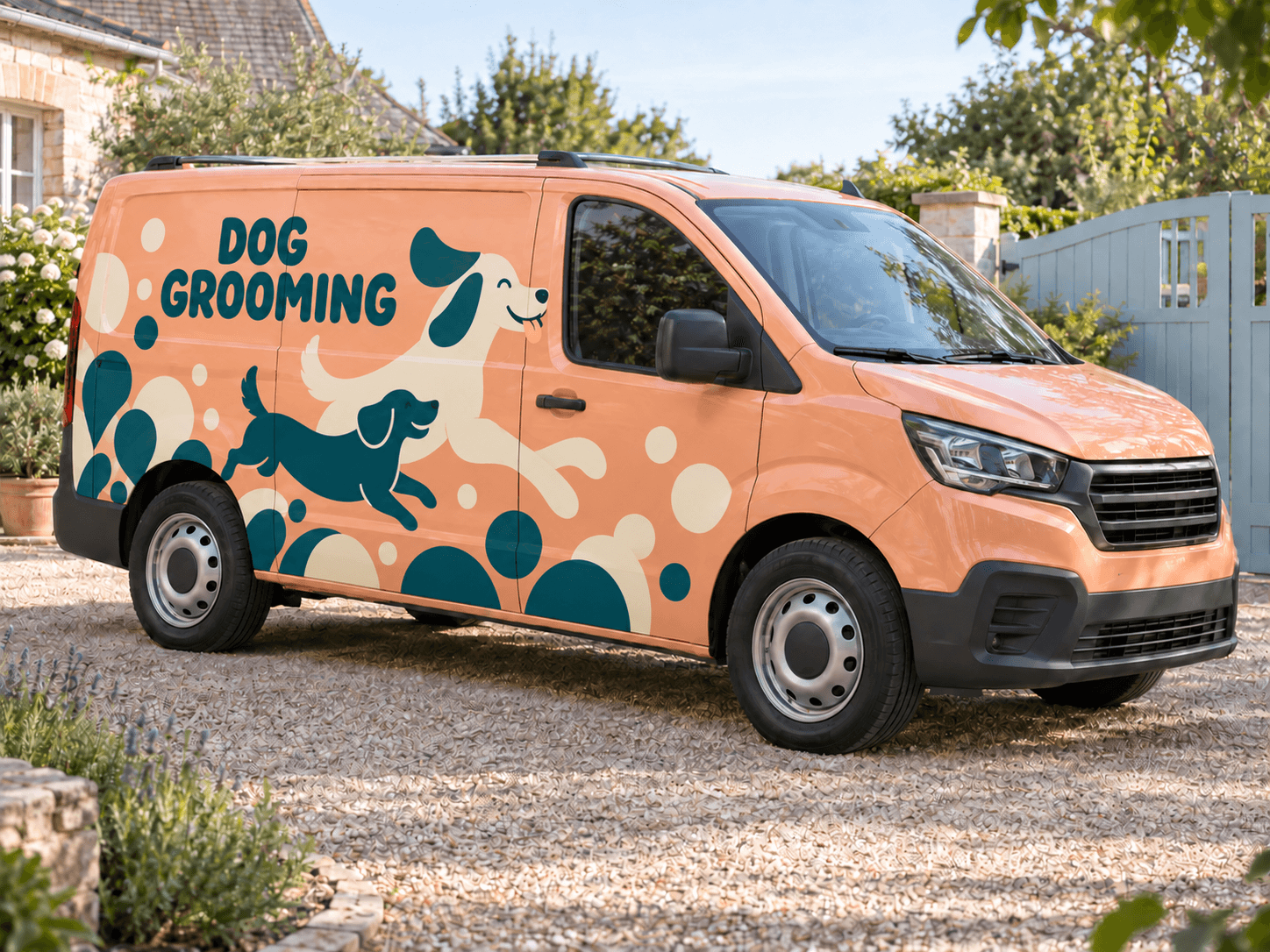
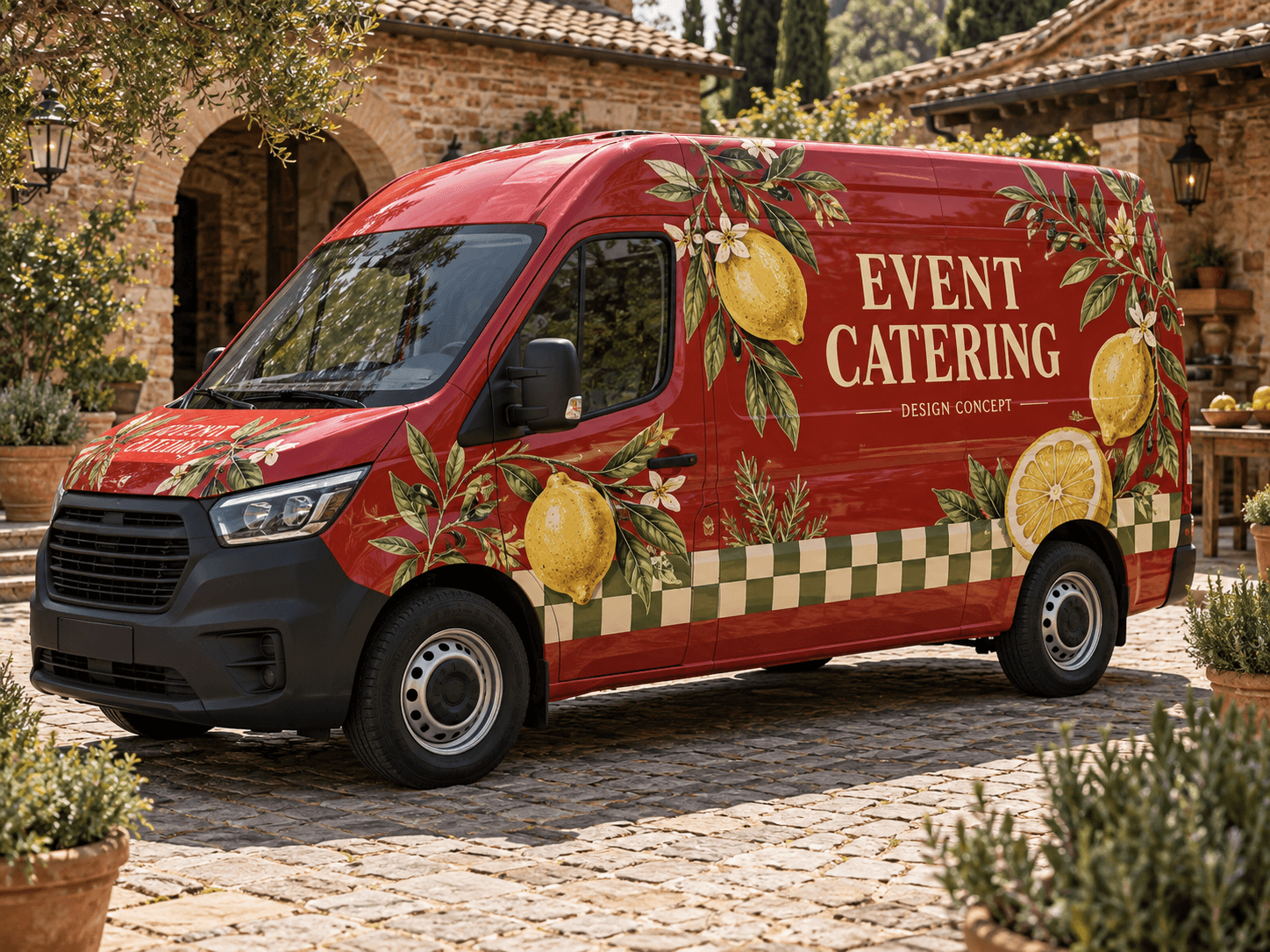
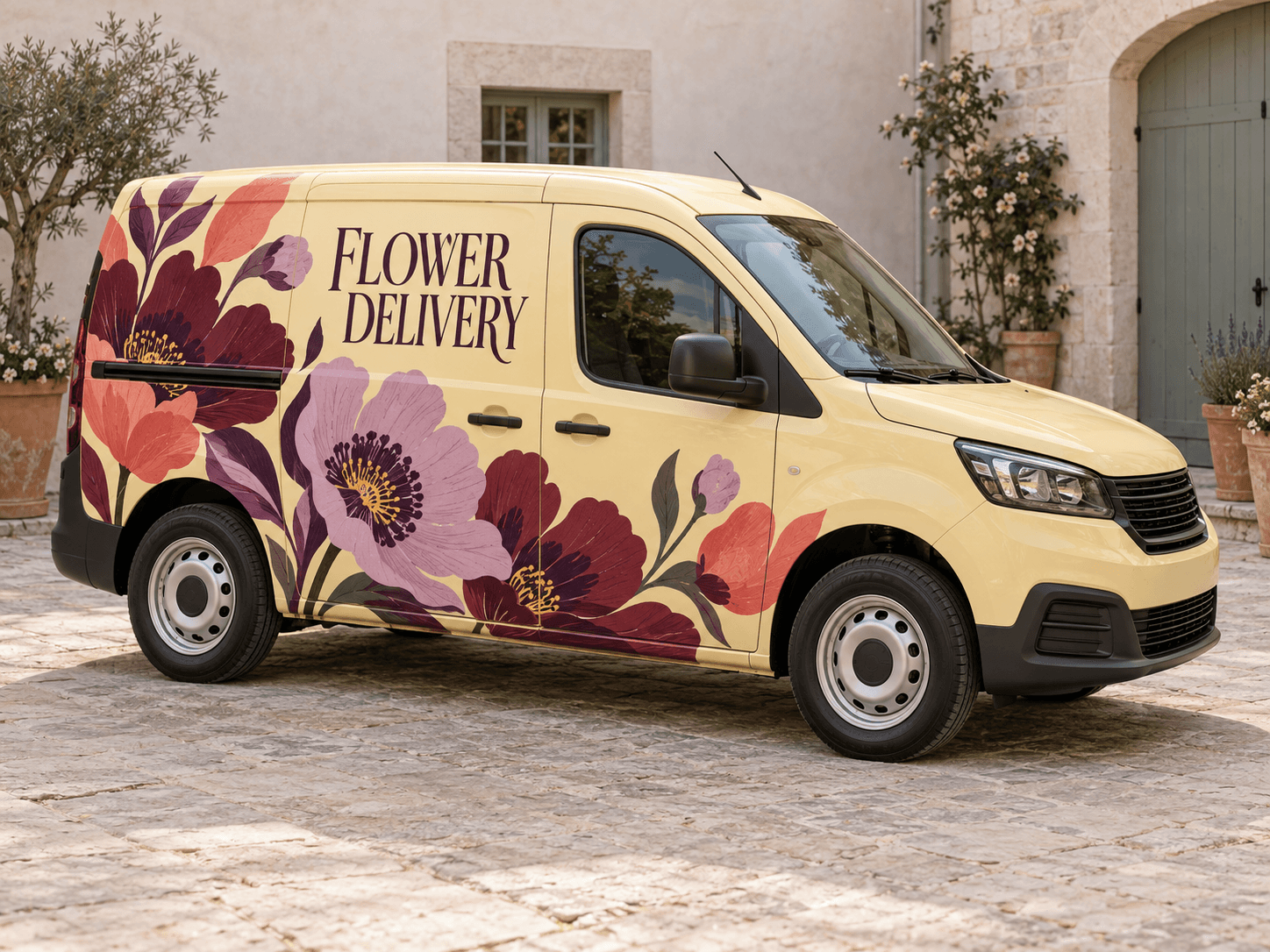
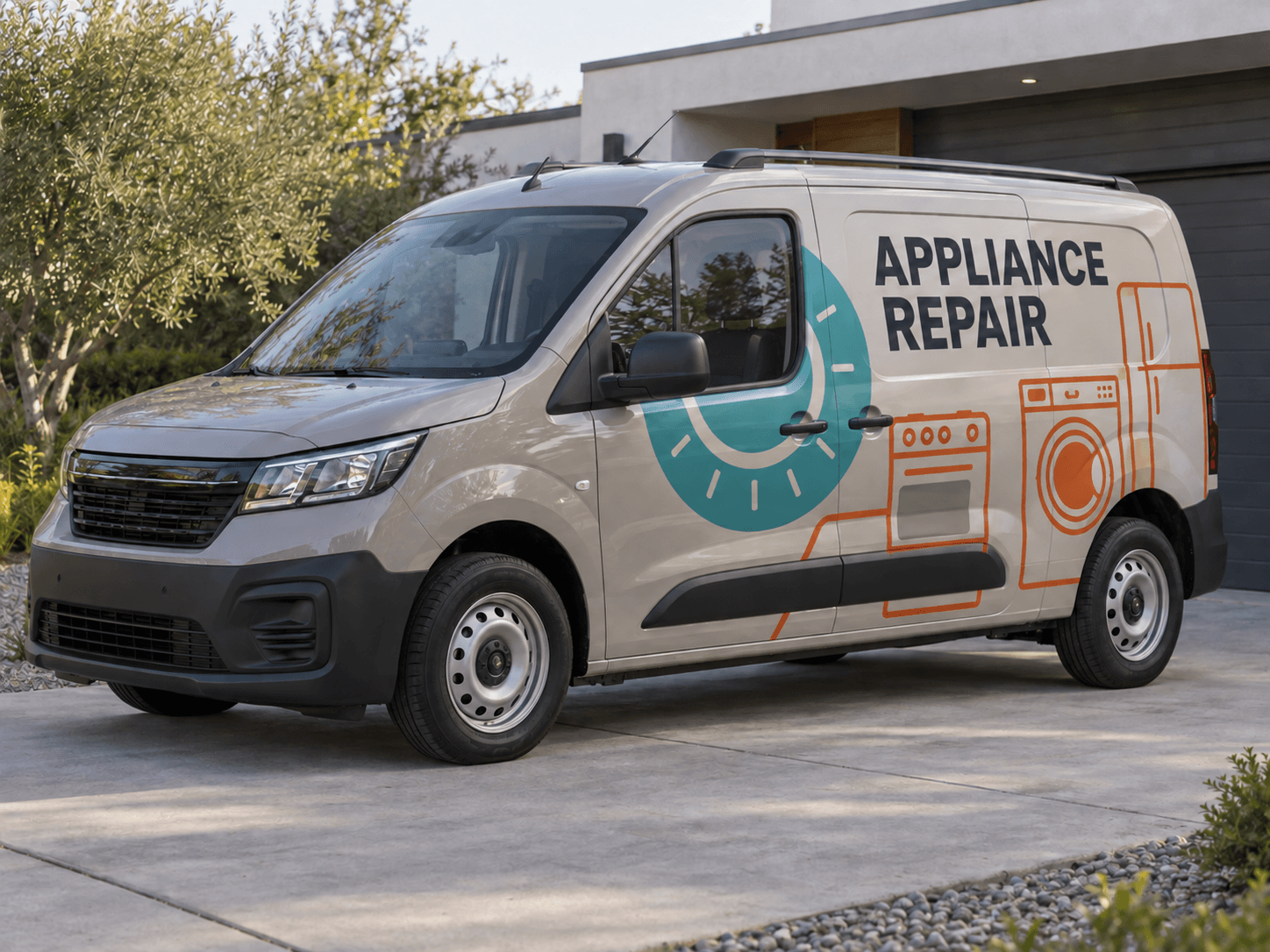
Turn a photo of your work van into a design for your business. Add your logo, describe the look and see what your signage could become before you book a wrap.
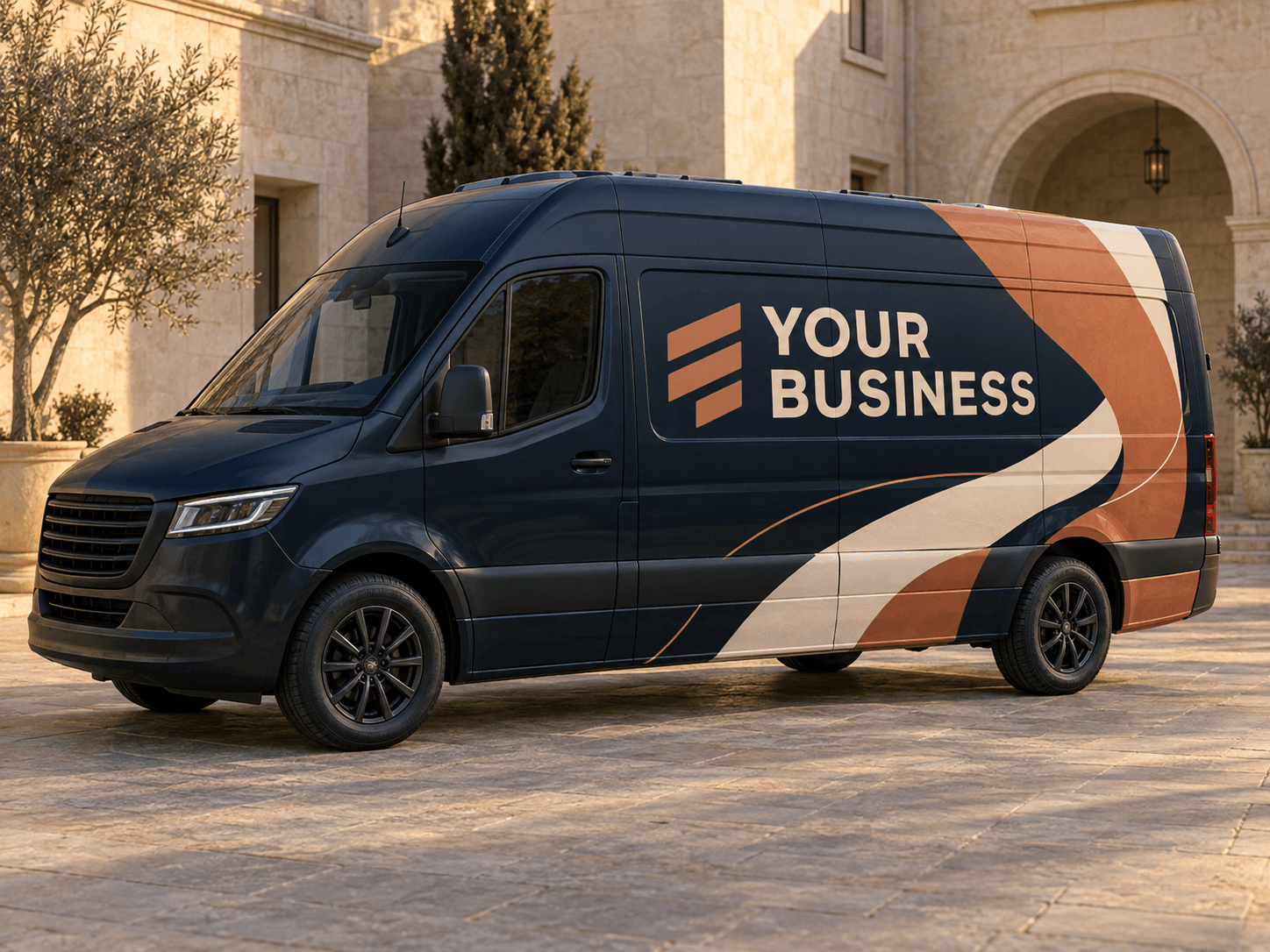
Navy, copper and cream · An original concept with generic lettering.Original AI concept · No customer branding
Sculpted ribbons
Use your own vehicle photo
Add your business logo
Save a concept for your signwriter
24 industries · 24 original designs
Find a look for your line of work.
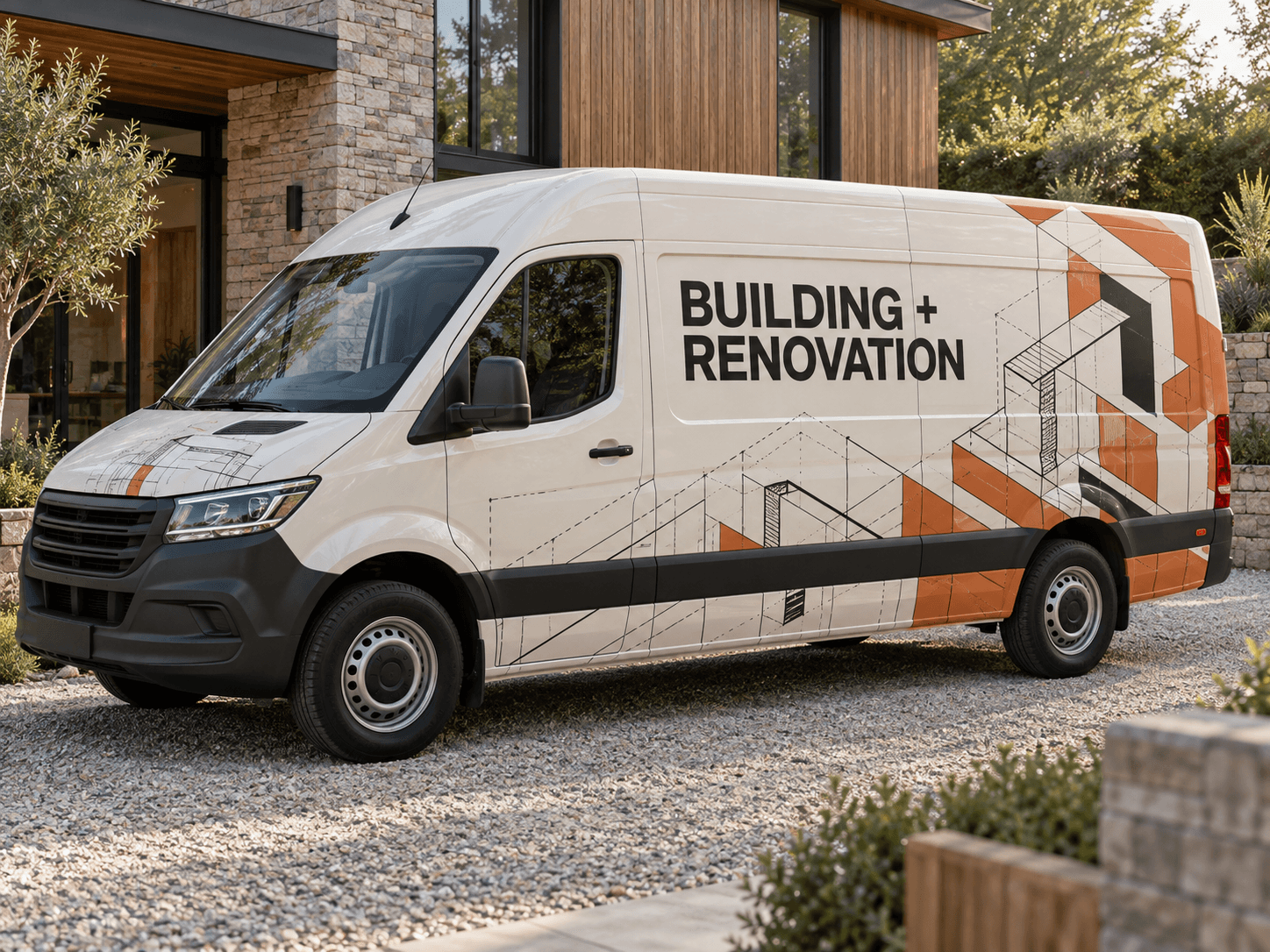
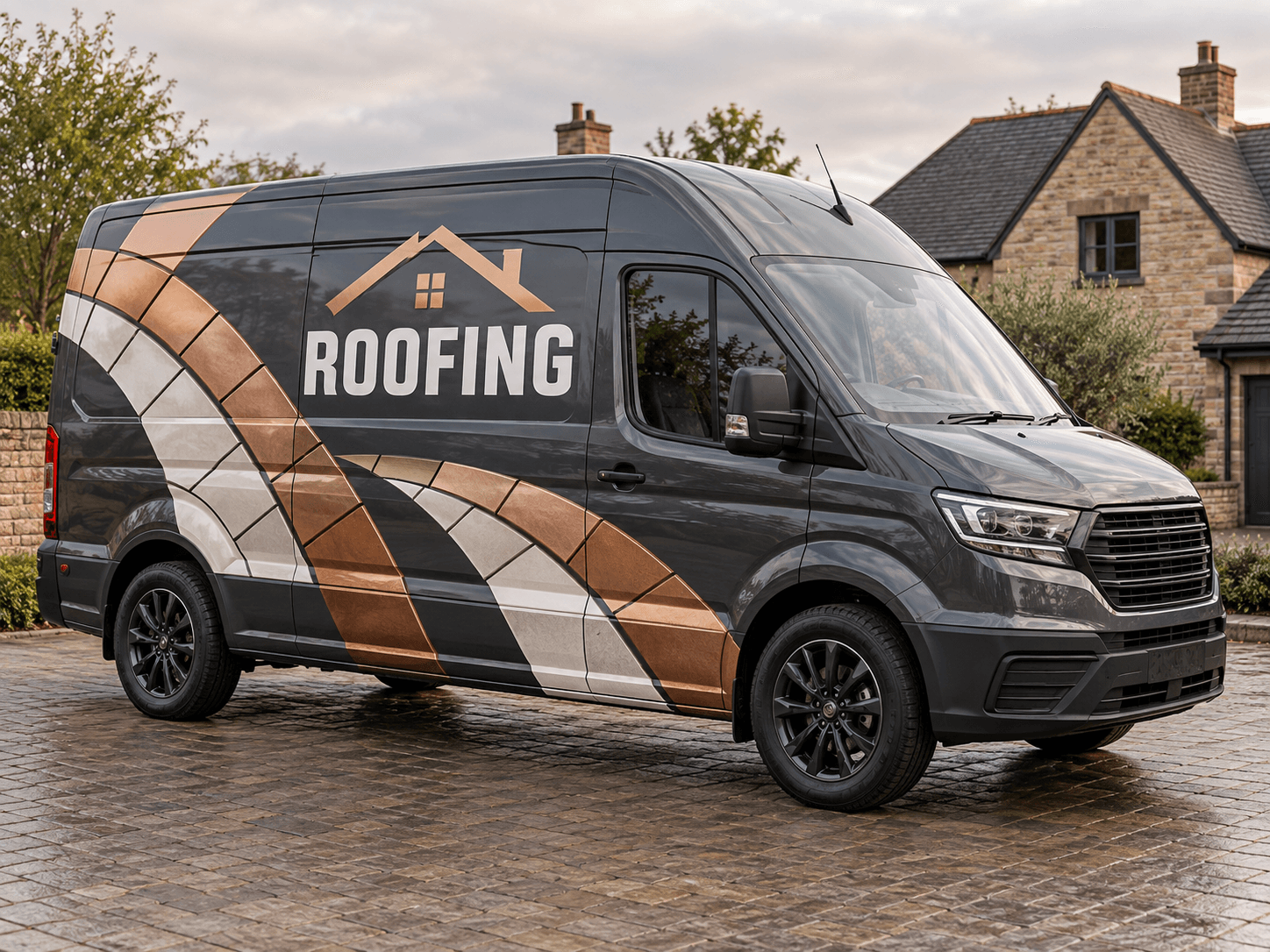
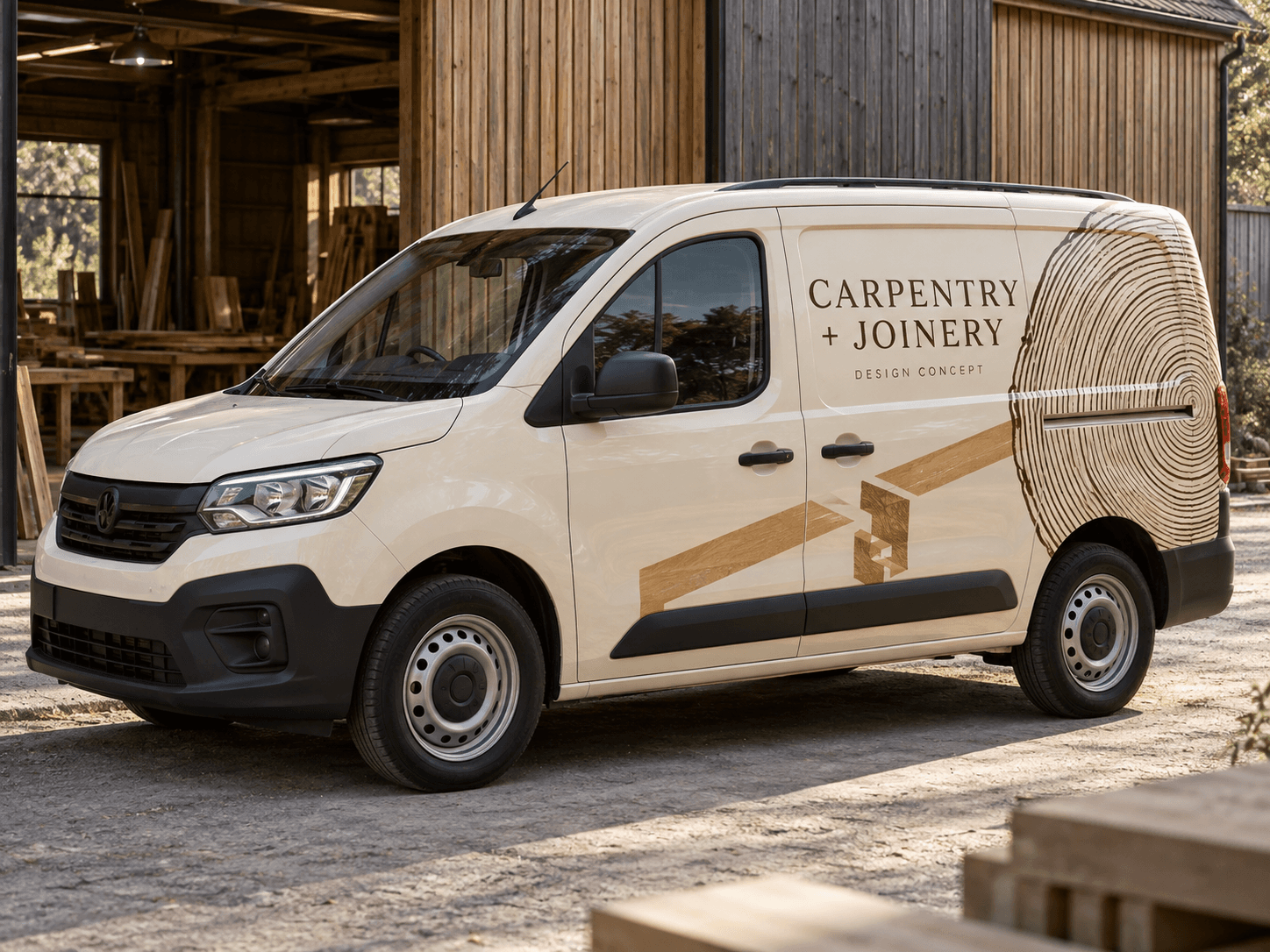
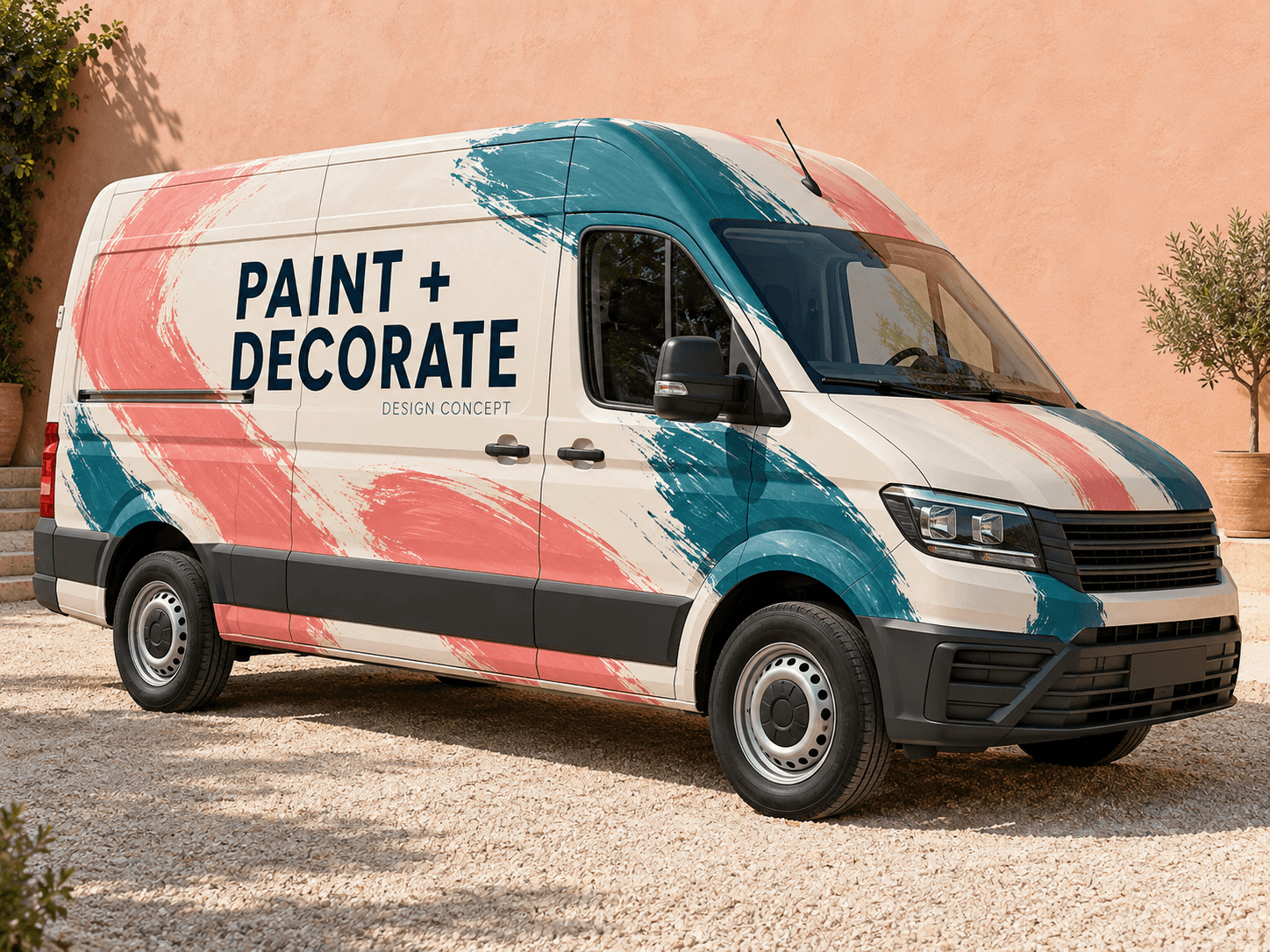
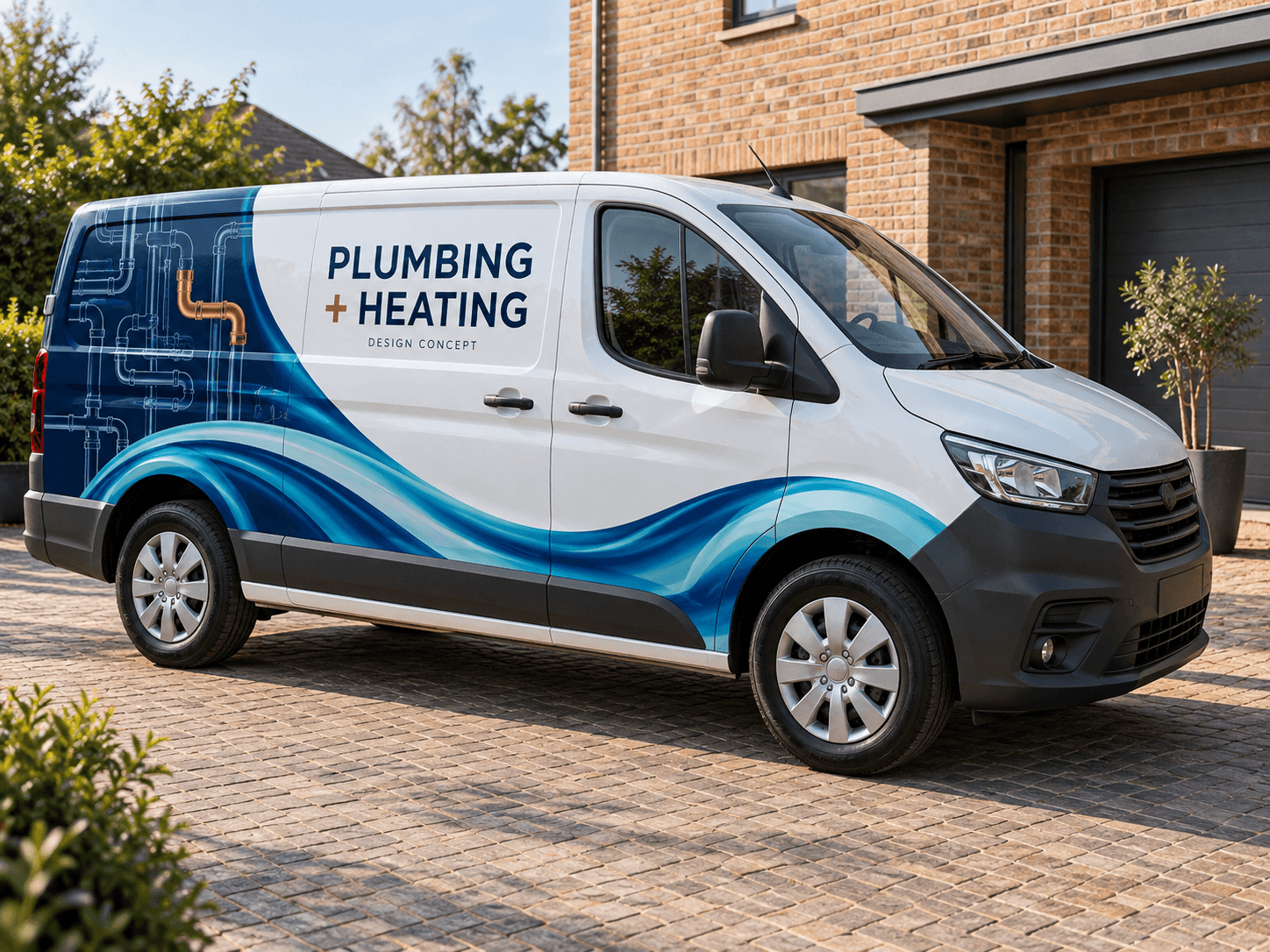
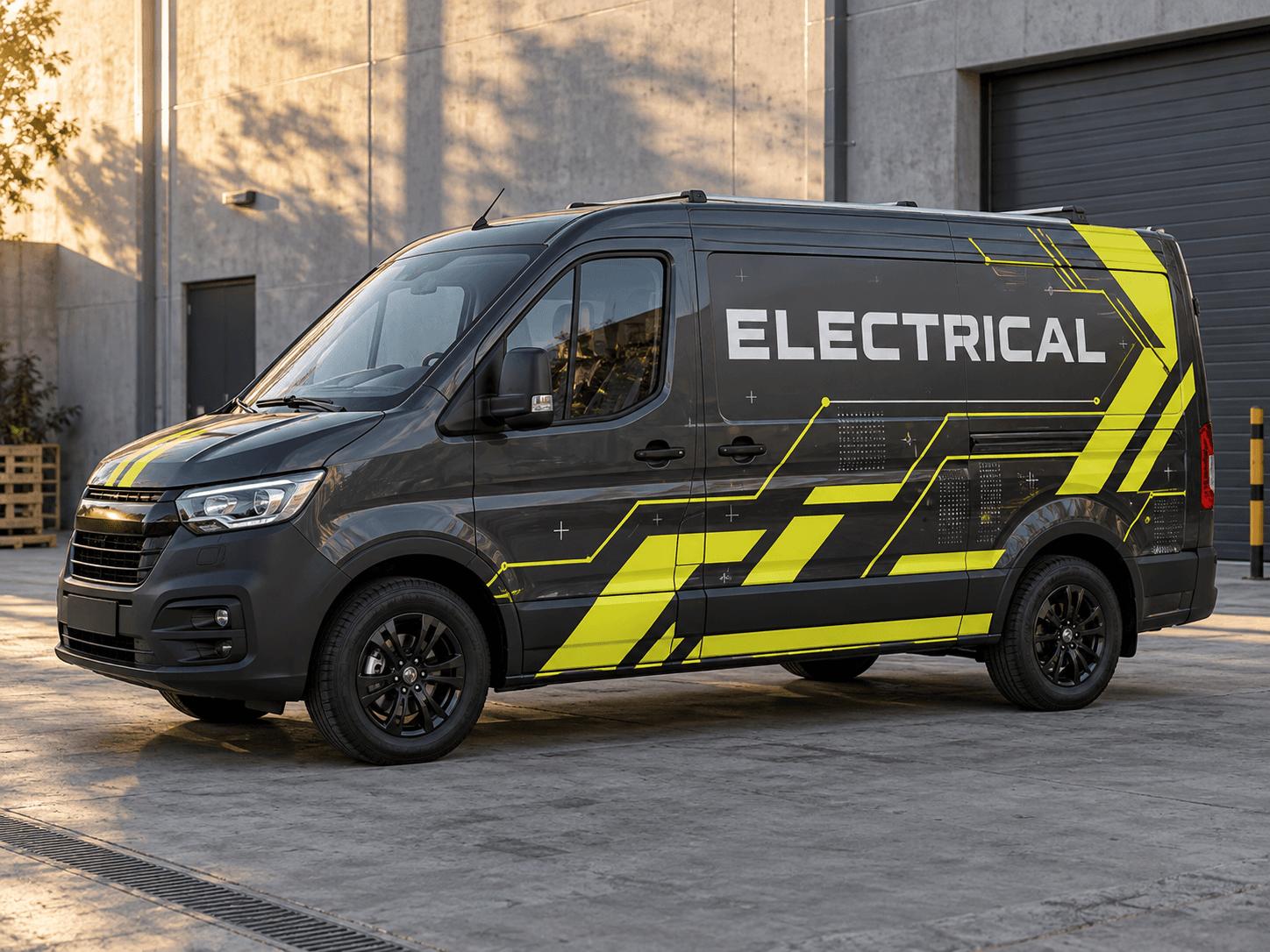
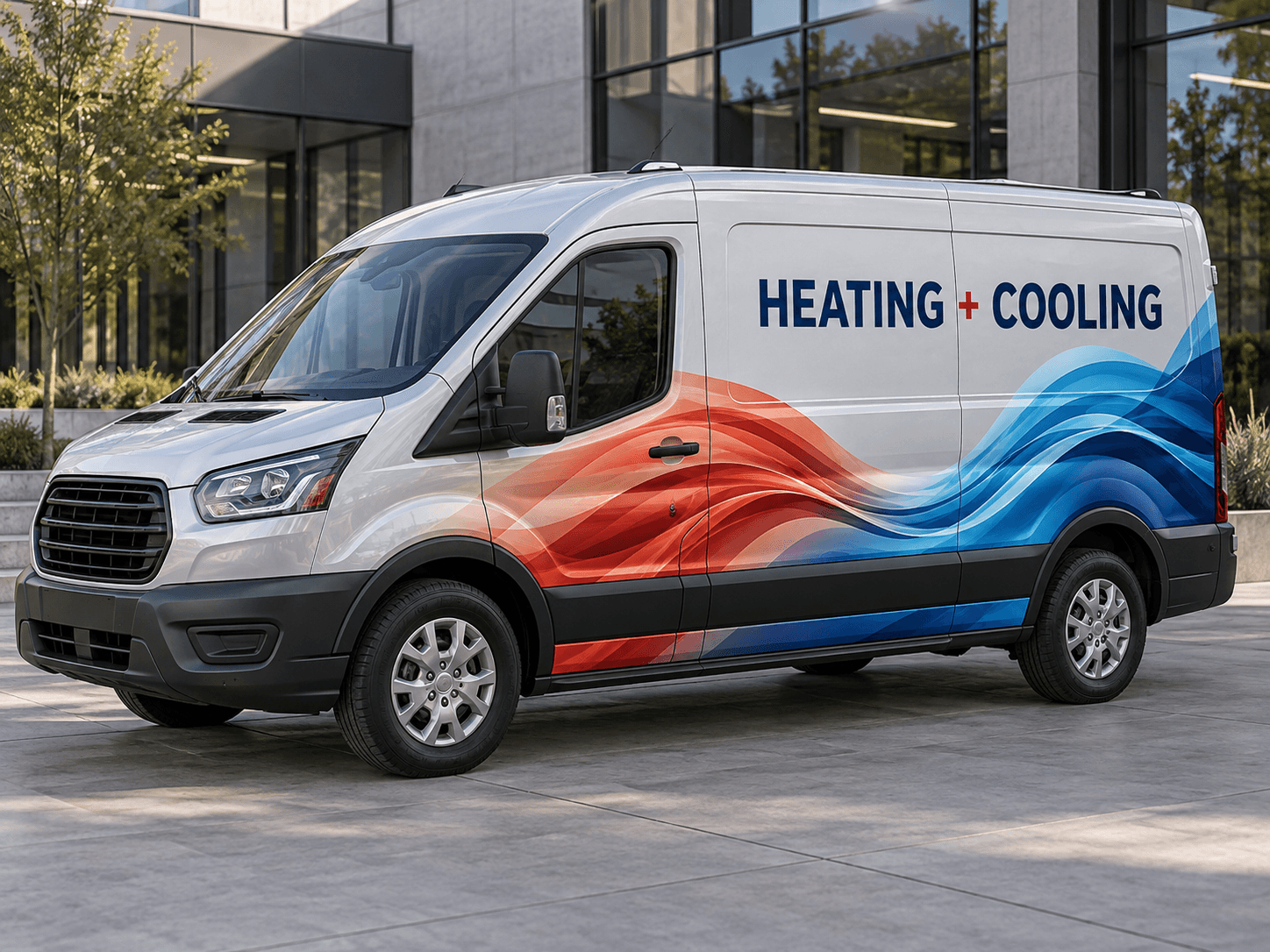
Every example is an original AI concept with generic trade lettering. Choose your industry, explore the ideas, then make a design with your own photo and business details.
You can explore all three with the same vehicle photo. Start with the amount of coverage you want, then refine your colours and message.
01
Keep it simple with lettering
Use the original paint as your background. A large business name, a short service line and one clear contact route can give a small van a tidy identity. Ask AI for generous space around each line so the design stays easy to read.
Try this with your van
Create simple business lettering on my van for [business name]. Keep the original paint colour. Place a clear business name, [main service] and [phone or website] on the side panel. Use [brand colour] with generous empty space and no full-body graphics.
A coloured lower panel, rear quarter or diagonal stripe adds more presence while leaving some paint visible. This is a useful direction when you like the van’s original colour. Compare how the graphic meets the wheel arches and sliding door.
Try this with your van
Design a partial wrap for [business name] on my van. Keep the upper body in its original colour. Add [brand colours] along the lower panels and rear quarter, with the business name, [services] and [contact details] clearly separated.
Use a larger field of colour to give the whole vehicle a consistent identity. Keep the logo and contact details on calm, contrasting areas. Ask for a second variation with fewer graphics before choosing the direction to take to an installer.
Try this with your van
Create a full business wrap concept for [business name] using [brand colours]. Keep the business name dominant, with [services] and [contact details] on calm high-contrast areas. Use one consistent graphic theme across the painted panels.
Your chosen prompt opens in the studio, ready for your photo and business details.
Upload your photo and logo.Vehicle first, optional logo second.
Make the prompt yours.Replace the square brackets with your business details.
Generate and save a favourite.Open the image in Your concepts to compare and download.
Before you generate
Get a useful design from your first prompt
Bring a photo of the actual van
Use a well-lit side or three-quarter view with the entire vehicle visible. Your wheelbase, windows and door positions influence where the branding can sit. Add your logo as the second image; a clean PNG is a useful reference.
Say what the customer should notice
Write the exact business name, main service and contact details you want to show. Tell AI which line matters most. If you have a colour palette, include it; if you do not, start with two contrasting colours and compare alternatives.
Compare before committing to vinyl
Generate a concept, open it in Your concepts and compare it with the original photo. Save the strongest direction and show it to your signwriter. They will check the vehicle measurements, materials, lettering and artwork needed for installation.
You can browse these examples and choose a prompt for free. Creating an AI image in the studio requires signing in and uses 1 image credit per generation. Check your account balance or the credit packages before generating.
Can I use my own logo and van photo?
Yes. Upload the van as the first image and your logo as the second. Tell AI how to place the logo in your prompt. Review the generated logo and lettering against your originals before sharing the design.
Is this a van wrap template or a print-ready file?
It produces a visual concept on a vehicle photo. It does not supply a measured vehicle template, vector cut file or print-ready wrap. Your signwriter creates and checks production artwork for the exact van.
Can I try a different colour or layout?
Yes. Keep your photo, change the design instructions and generate another concept. Each new generation uses another image credit. The result viewer lets you save the images you want to compare.
Start with your own vehicle
See the idea on your van.
You bring the photo and business details. AI helps you explore the design.