Pressure-washing van wraps. Make a clean impression.
Explore a van identity for driveway cleaning, patios and exterior surfaces. Try a bold water-jet graphic, a simple service-led partial wrap or a more restrained commercial-cleaning direction.
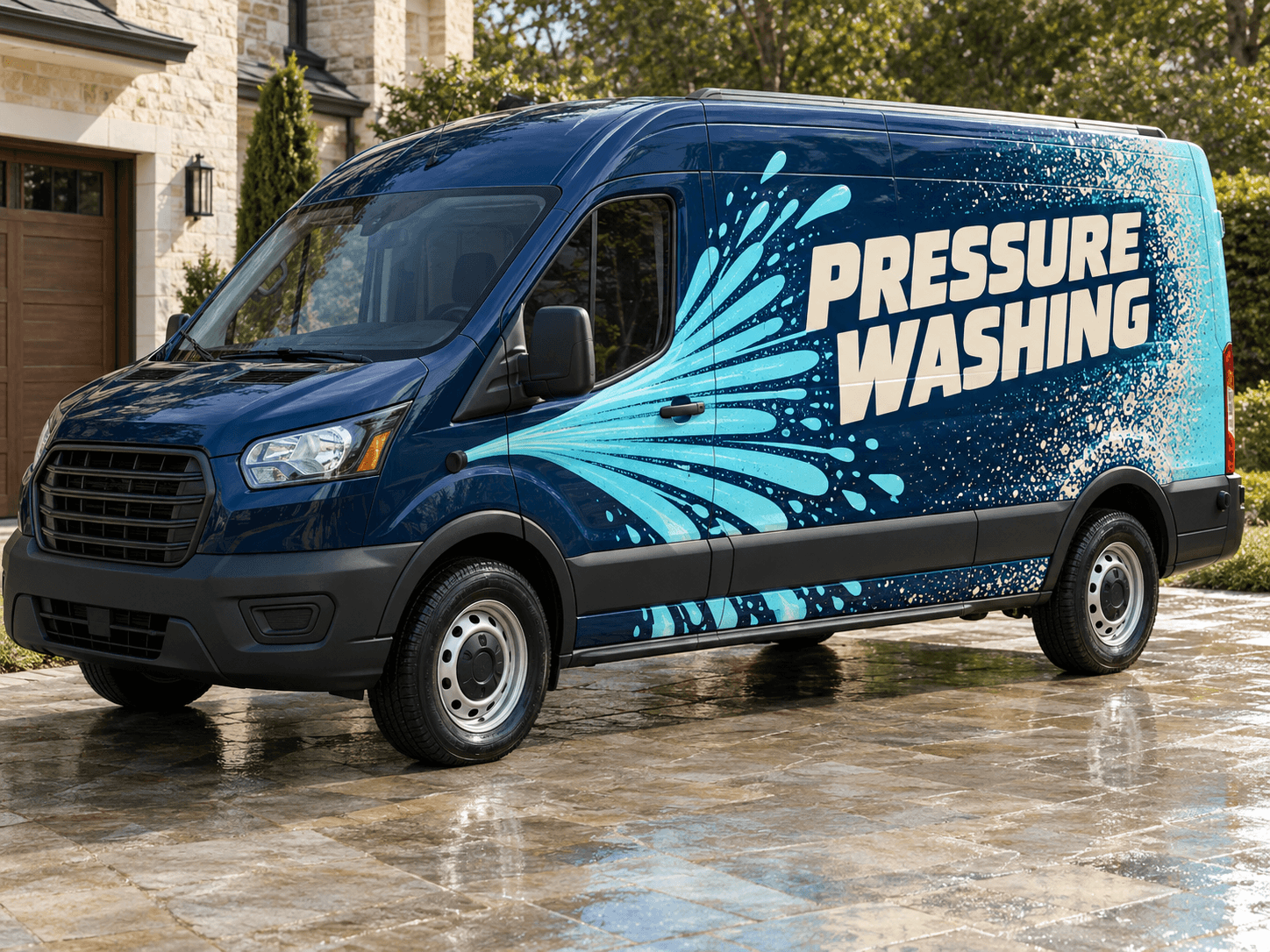
A wide aquamarine spray fan cuts across navy bodywork, with a textured rear section and a calm cream lettering zone.Original AI concept · No customer branding
The clean sweep
Use your own vehicle photo
Add your business logo
Save a concept for your signwriter
Choose a direction
Pressure Washing van design ideas
Show the type of exterior work you do and use one strong graphic to support it. The name and contact route should remain clear even when the wrap is viewed small.
01
An oversized water-jet sweep
A single broad spray graphic can make the van distinctive without turning it into a collage of hoses and surfaces. Keep the textured section behind the main copy. Ask for smooth shapes around wheel arches and sliding-door edges.
Try this with your van
Design a pressure-washing van for [business name] in navy, aquamarine and cream. Use one oversized fan-shaped water-jet graphic along the lower body, subtle rear texture and clear [exterior cleaning services] plus [contact details].
Use the actual surface-cleaning service as the headline. A small paving pattern can reinforce the message without needing before-and-after photographs. Keep roof cleaning or other work secondary unless it is central to your offer.
Try this with your van
Create driveway and patio cleaning van signage for [business name]. Use [brand colours], a simple paving-line motif, a prominent [main service] line and [phone or website]. Avoid invented before-and-after photographs.
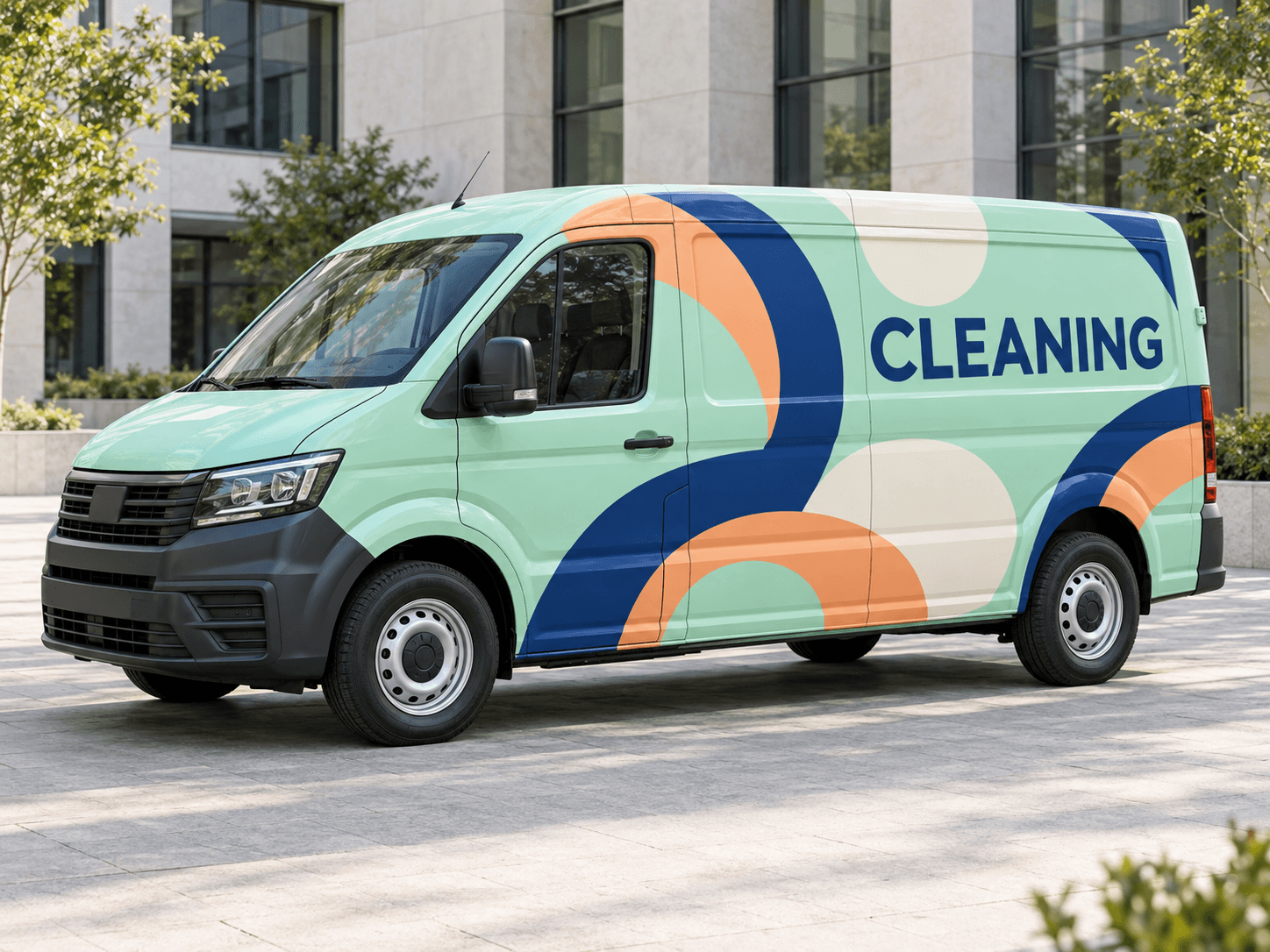
A controlled two-colour layout can suit work at retail, industrial or managed sites. Put the service scope into a short readable line. Technical equipment details usually belong on the website rather than the side of the van.
Try this with your van
Create commercial exterior-cleaning van lettering for [business name]. Use charcoal, white and [accent colour], broad clean geometry, [commercial services] and [contact details]. Keep the layout restrained and easy to read.
Your chosen prompt opens in the studio, ready for your photo and business details.
Upload your photo and logo.Vehicle first, optional logo second.
Make the prompt yours.Replace the square brackets with your business details.
Generate and save a favourite.Open the image in Your concepts to compare and download.
Before you generate
Separate the visual effect from the promise
Do not invent a before-and-after result
Use abstract cleaning graphics or real photographs you are entitled to publish. An AI-generated clean surface is an illustration, not evidence of a completed job. Make any service claims match the work your business actually offers.
Leave hose access unobstructed
Choose a vehicle photo that shows visible hose reels, openings or fixed equipment. The generated design can change small details, so compare the concept against the original before discussing panel placement with your signwriter.
Designed around your work
Explore related industry designs.
Specific layouts, colours and starter prompts for different kinds of work.
Can I include soft washing as well as pressure washing?
Yes. List the services you actually offer and choose which should lead. Ask for a short secondary service line so the main message remains readable. You can generate separate versions to compare the emphasis.
Can I put real job photos in the design?
You can provide an image you own as the optional second reference, but that uses the slot otherwise available for a logo. Clearly describe its purpose, and give the original photograph to the signwriter for any production artwork.
Start with your own vehicle
See the idea on your van.
You bring the photo and business details. AI helps you explore the design.