Window-cleaning van designs. A sharper view of your business.
Turn a practical window-cleaning van into a clear business identity. Try layered glass-panel graphics, straightforward local-round lettering or a more technical commercial-cleaning look.
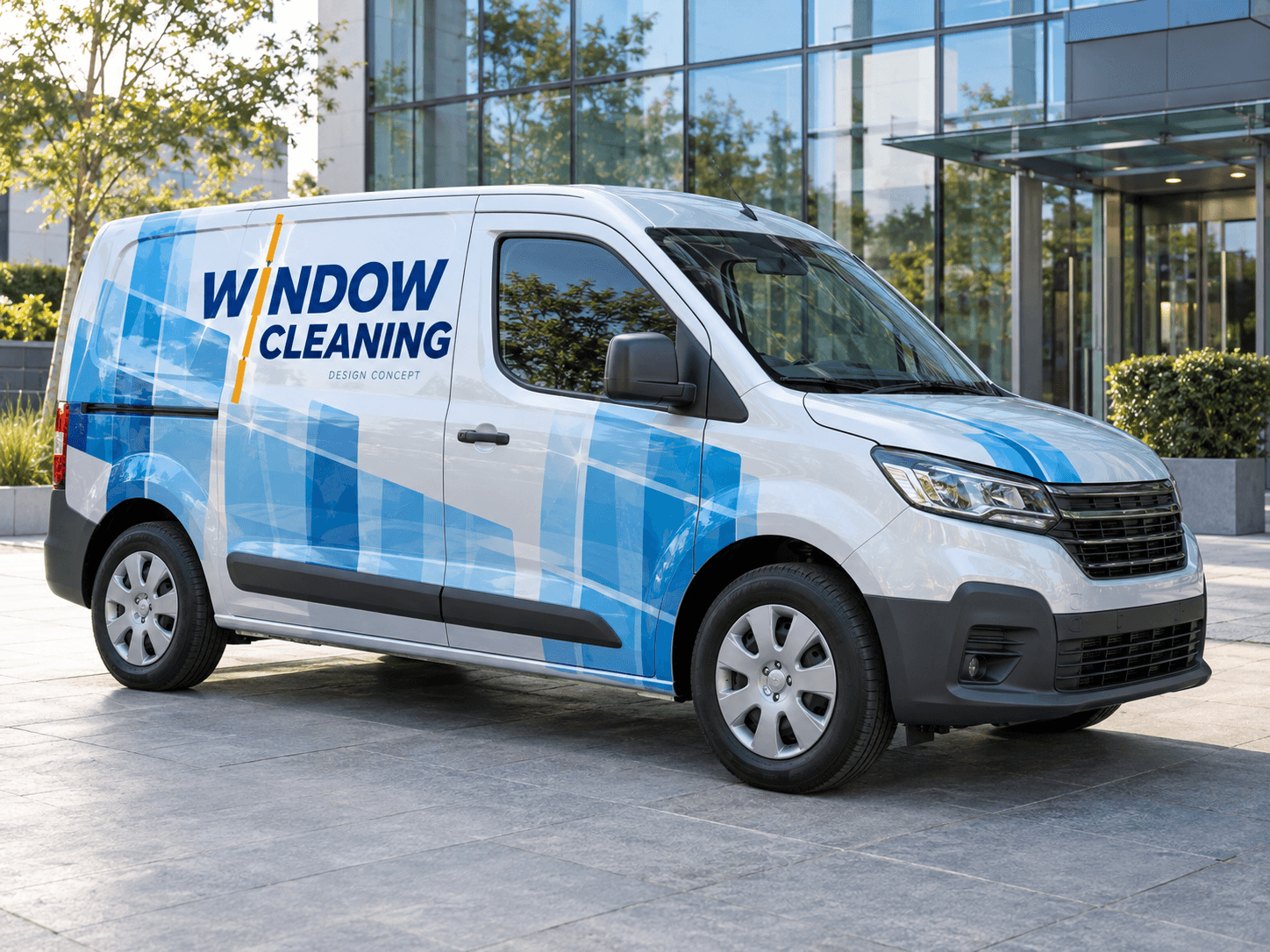
Overlapping blue pane shapes and one saffron squeegee line create a clean graphic rhythm across silver-white bodywork.Original AI concept · No customer branding
Glass-panel geometry
Use your own vehicle photo
Add your business logo
Save a concept for your signwriter
Choose a direction
Window Cleaning van design ideas
Your main service should read before the graphics. A simple window-inspired motif can support the wording while leaving room for a phone number or website.
01
Layered windowpane graphics
Large rectangles suggest glass without requiring a photograph of windows. Restrict the layered effect to the rear and lower panels. Keep the name on a flat, contrasting background so it remains the first thing a viewer notices.
Try this with your van
Create window-cleaning van signage for [business name]. Use overlapping blue windowpane shapes, one saffron vertical squeegee line and navy lettering on silver-white panels. Include [window cleaning services] and [contact details].
Original paint, a simple name and a readable service line can be enough for a compact van. Add your usual service area only if you want it on the vehicle. Avoid making the contact copy smaller to squeeze in too many neighbourhoods.
Try this with your van
Design simple local window-cleaner lettering for [business name]. Keep the original van paint and use [brand colour], a small window motif, [service area if wanted] and [phone or website]. Prioritise large readable wording.
A precise grid and restrained dark-blue palette can suit larger-site work. Make commercial window cleaning explicit. If you offer related exterior services, group them in one short secondary line rather than adding separate icons for everything.
Try this with your van
Design a commercial window-cleaning van for [business name]. Use a refined blue-and-white pane grid, strong lettering for [commercial glass services], a short [additional service] line and [contact details].
Your chosen prompt opens in the studio, ready for your photo and business details.
Upload your photo and logo.Vehicle first, optional logo second.
Make the prompt yours.Replace the square brackets with your business details.
Generate and save a favourite.Open the image in Your concepts to compare and download.
Before you generate
Work around the equipment you carry
Photograph racks and fittings
Roof-mounted poles, ladders and hose access points can affect the usable space. Show visible fittings in the photo, then have the signwriter check how the design sits when doors open and equipment is in use.
Use water effects carefully
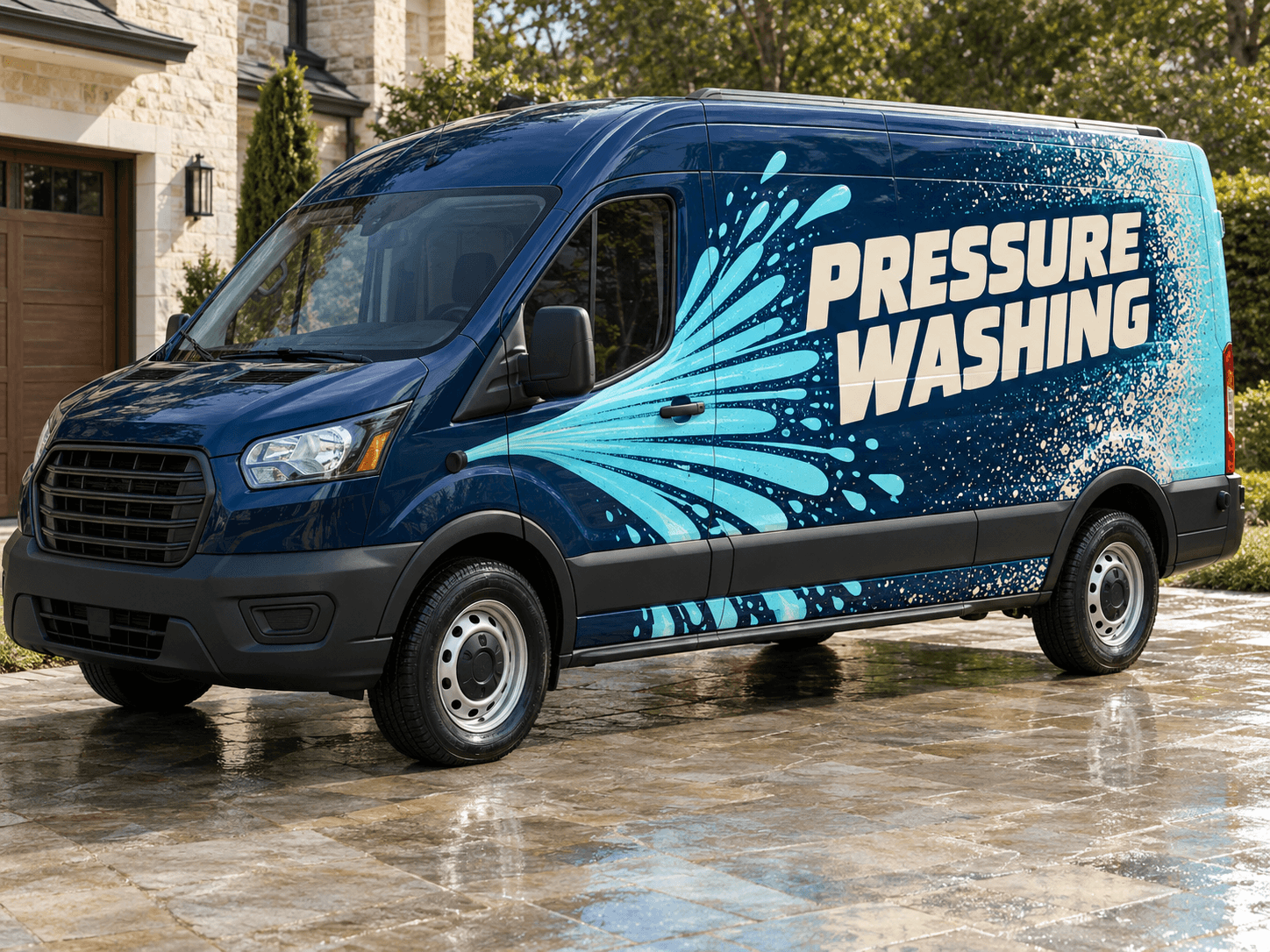
A few broad shapes can suggest water or glass. Dense droplets and shine effects may make lettering harder to assess. Ask for a calm contact area and compare a simpler version before choosing a direction.
Designed around your work
Explore related industry designs.
Specific layouts, colours and starter prompts for different kinds of work.
Can I add gutter and fascia cleaning to the design?
Yes, if those are services you offer. Keep window cleaning as the lead line if that is your main work, with related services in a short supporting line. Supply the exact wording in your prompt.
Can I use a photo of my water-fed pole van?
Yes. Use a clear exterior photo with the full vehicle and visible equipment in frame. The concept can help you judge the layout, while your installer checks practical access points and the final panel measurements.
Start with your own vehicle
See the idea on your van.
You bring the photo and business details. AI helps you explore the design.