

3D showroom
Walk around your car wrap
in 3D.
Use our 3D car wrap visualizer to turn a car image into an explorable, photorealistic showroom environment. Preview your AI-generated wrap design before installation and share the direction with your installer.
Best on desktop · Requires 3D credits to generate a new world
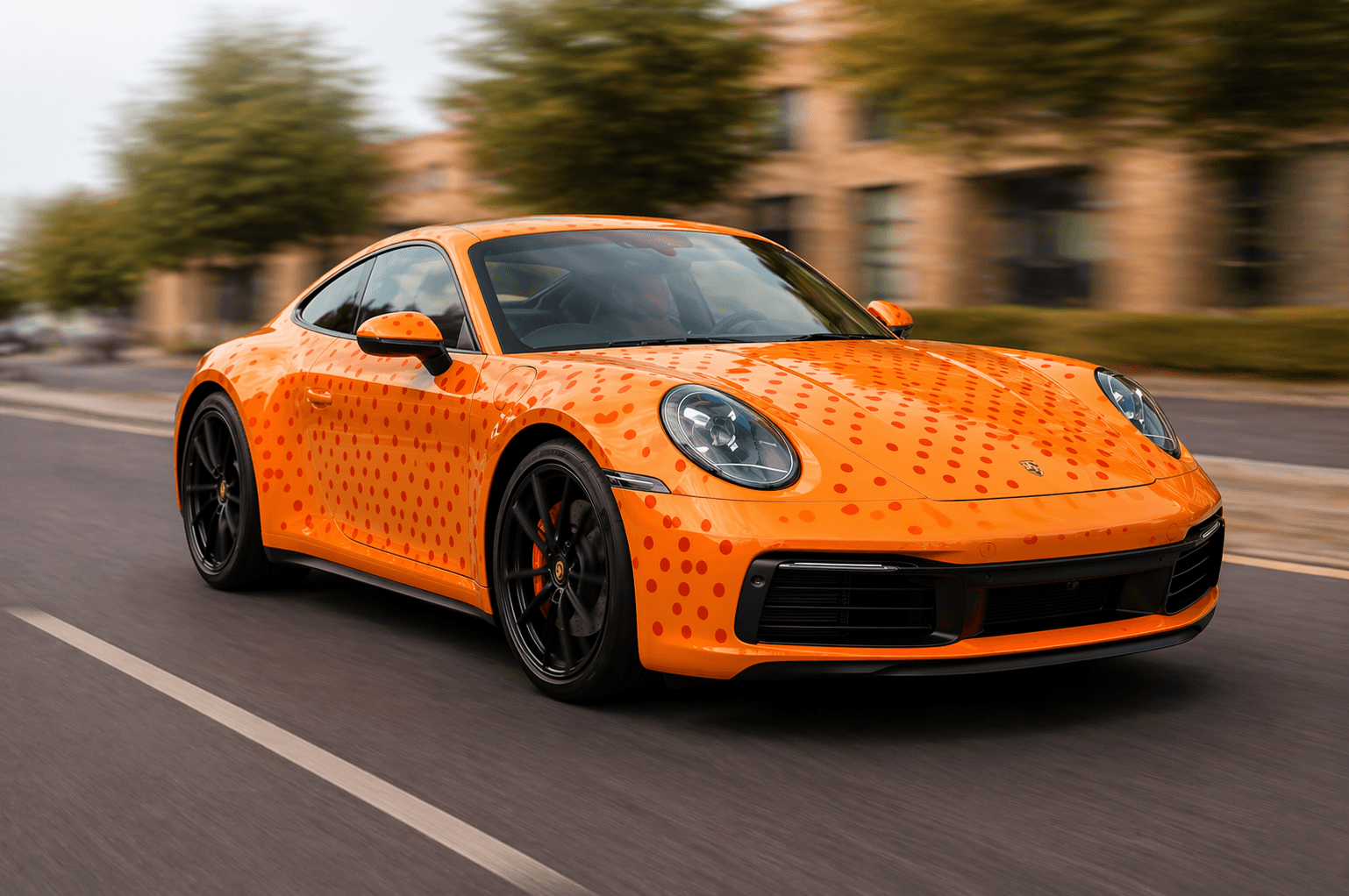
From image to a space you can explore
- 01
Choose your image
Start with a car photo or a concept you made in the wrap studio.
- 02
Create a 3D world
Open the showroom, upload your image and check the generation cost.
- 03
Explore and share
Move through the generated environment and share the direction with your installer or team.
Desktop controls
- Look around
- Drag mouse
- Move
- W / A / S / D
- Move up or down
- Q / E
- Move faster
- Hold Shift
A visual concept for discussion
AI generates details that may differ from your real car, especially surfaces hidden in the original photo. Use the result to explore an idea. It is not a measured model or a production wrap template.
View 3D credit packages →3D car wrap preview questions
Is The Showroom free?
You can open the showroom to explore the tools. Generating a new 3D world uses 3D credits; check your balance and the credit packages before creating one.
What controls do I use to move around?
On desktop, drag to look around, use WASD to move, Q/E to move up and down, and hold Shift to speed up.
Does it work on mobile?
The 3D showroom is best explored on desktop with mouse and keyboard controls.
Can I share my 3D showroom with someone else?
Use the showroom’s sharing and export options to show your generated environment to an installer, teammate or client.
How accurate is the 3D wrap preview?
The 3D car wrap visualizer creates a photorealistic environment from a car photo or AI wrap design. AI-generated surfaces can differ from the real vehicle, especially where the original photo does not show them. It is a visual preview, not a measured vehicle model or production wrap template.
Can wrap installers use this for client presentations?
Yes. Installers can use a 3D vehicle preview to discuss a wrap design with clients before ordering material. Confirm colours, measurements and panel fit separately.